Whop is a marketplace and checkout, so the question is whether you want to keep selling there or own the members and the checkout. This page covers the paid-community case. Selling courses or services instead? Learnomy and WP Sell Services each have their own Whop page, linked below.
Whop is quick to sell on, and a marketplace sends buyers your way. People look past it for a community when they want the members, the email addresses and the checkout to be theirs.
→Your buyers sit on Whop. They are attached to a whop.com storefront rather than to a list and a site you own.
→The checkout is Whop's. Its fee page (checked 26 Oct 2026) lists card processing at 2.7% + $0.30 domestic, plus 1.5% for international cards and 1% when currency conversion applies.
→The community is an attachment to a product. A paid chat is not the same as spaces, sub-spaces, profiles and moderation you can shape.
→It is not on your domain, so it does not add to your own site or its search traffic.
→You are building on someone else's terms, and a hosted platform can change its fees or rules.
None of this means Whop is a bad product - for plenty of communities it is the right call.
These are simply the friction points that send people looking, stated fairly.
The case for BuddyNext
Why BuddyNext is a strong Whop alternative.
BuddyNext is a self-hosted community platform for WordPress. The whole idea is the
opposite of renting: you own the data, you pay for hosting instead of a platform cut,
and you start free. Here is where that pays off against Whop.
✓You own the members. They are accounts in your own WordPress database, with their email addresses, not buyers attached to a Whop storefront.
✓You own the checkout. With BuddyNext Pro, plans are billed through your own Stripe or PayPal account, so the money goes to you and no platform sits in the middle of the sale.
✓No cut from us. BuddyNext takes no share of sales; the only fee on a sale is your own payment processor's.
✓A community that is more than a gated chat. Feed, spaces with sub-spaces, profiles, notifications and a moderation queue come in the free core.
✓Access follows the plan. In Pro a plan opens one or more spaces, and a space can be opened by several plans, so tiers are rooms rather than a list of buyers.
✓It runs on your domain, so it is part of your own website and can be found by search.
There is no head-to-head page for Whop, because the two are not a choice
between. What BuddyNext charges for sets out the boundary, and the two can run together.
Not just us
Other alternatives to consider.
We would rather you pick the right home than just pick ours. If BuddyNext is not your
fit, these are real options worth a look - each suits a different kind of community.
LearnomyIf you sell courses and want your own payouts, this is the course-side comparison from the same family.
WP Sell ServicesIf you sell done-for-you services, this is the services checkout comparison.
BuddyNextThe paid-community route: your members, your Stripe or PayPal checkout, no cut from us.
No fairy tales
How to switch - honestly.
Whop holds your buyers and their payments, so moving is a rebuild: collect your buyer list, build the spaces and plans on a staging site, connect your own Stripe or PayPal, and invite people across in batches. Owning your checkout removes the platform's hold, not the processor's, so Stripe and PayPal can still hold or reserve funds on a new account.
1Plan it as a real project. A community move is migration work, not a button. Give it a window and a checklist, not an afternoon and a hope.
2Export your data first. Pull out your members, content and anything you can from Whop before you touch the new platform, so nothing depends on access you might lose.
3Build and test on staging. Stand up BuddyNext on a staging copy of your site, import everything, and check messaging, spaces and access actually work before any member sees it.
4Cut over and bring people across. Point your domain at the new home, invite your most active members first, and run both in parallel for a short while rather than flipping everyone at once.
Anyone selling you a magic one-click migration off a hosted platform is overselling it.
Done as a real project, though, the move is very doable - and you only do it once.
Moving off Whop
A plan for moving a paid community off Whop.
Whop sells access, so moving is mostly about three things: your buyers, your checkout and your listing. This guide covers what to collect first, how to rebuild the paid access on BuddyNext, and how to avoid charging anyone twice.
What to collect before you do anything
Whop's export options change, so check your own dashboard rather than trusting this page. Assume nothing comes out until you have opened the file.
Your buyer list with email addresses, if your account lets you export it. If it does not, ask buyers for an email inside Whop first.
Which plan each person is on, when they joined and when they renew.
The prices, trial lengths and discount codes you offer today.
Your pinned posts, rules and the best answers, copied into a document.
Any files and videos you uploaded, from your own originals.
An email address you hold yourself is the only contact route that survives the move.
Rebuild the paid access on BuddyNext
BuddyNext has no importer for Whop. You rebuild the structure and invite people across.
Create a space for each room people were paying for. Pick public, private or secret for each one. Sub-spaces go two levels deep in the free core.
In BuddyNext Pro, create a membership plan for each tier and set its monthly and annual price.
Attach each plan to the spaces it opens. A space can be opened by several plans.
Connect your own Stripe or PayPal account for payment.
If the whole community is paid, set Community access to Paying members only. If only some rooms are paid, leave it open and let the plans open those spaces.
If you sell courses, use Learnomy and link each course to a space.
Broadcast email and drip sequences are also Pro, so a welcome series for new payers can run from the same site.
Your money and the processor
Owning the checkout means payments go to your Stripe or PayPal account. It does not mean funds can never be held. Stripe and PayPal can hold or reserve money on a new account, after a jump in volume or after disputes. Open the account and run a few real test payments well before the day you move.
BuddyNext takes no share of a sale. You pay your processor's fee and your hosting. Whop's own fee page (docs.whop.com/fees, checked 26 Oct 2026) lists card processing at 2.7% + $0.30 domestic, so compare that with the rate on your own processor account.
The move, step by step
1Export or collect your buyers and their plans. Fix gaps first.
2Build the spaces and plans on a staging site.
3Connect Stripe or PayPal in test mode and buy each plan yourself.
4Test as a stranger on a phone: sign up, pay, open the space.
5Invite a small first group of buyers and fix what they find.
6Announce the move inside Whop with a date and a link.
7Move people in batches and keep Whop open for a few weeks.
8Cancel the Whop offer only when your regulars are posting on the new site.
Do not charge anyone twice
BuddyNext cannot take over a subscription that started on Whop. Each payer subscribes again on your site.
Agree with each person when the Whop billing ends. If someone paid for a stretch already, the Pro Billing screen has an Add order form to record a payment that arrived elsewhere.
Stop selling new Whop sign-ups on the day the new site opens, so nobody lands in the old place.
What it costs you
Honestly, where the money goes
Switching costs something either way, so here is our side of it in plain terms rather than only Whop's.
Free, and it is a working community
Unlimited spaces, a filterable member directory, notifications and the full report-and-moderate queue are all in the free plugin, with direct messages through the free WPMediaVerse companion. It is not a trial that expires or a seat cap you grow into.
Nobody bills you per member
Whop prices by how many people show up, so success raises the invoice. BuddyNext does not count your members: it runs on your own WordPress, so growing the community costs you hosting, not a bigger plan.
Moderation is not an upsell
The report button, the admin review queue, the moderation log, and dismiss, remove, warn, strike and suspend are free. A community with no way to settle an argument is not one, so it is not sold back to you separately.
A lifetime option exists
Pro is $149 a year, or $399 once. Stop renewing and the community keeps running, because the free plugin is what it is built on rather than a crippled version of it.
Whop pricing: Whop's fee page (docs.whop.com/fees, checked 26 Oct 2026) lists card processing at 2.7% + $0.30 per domestic payment, plus 1.5% for international cards and 1% when currency conversion applies. A next-day bank payout costs $2.50. That page lists no separate platform fee. Check it again before you plan around any number.
Switcher questions
Questions people ask before they move.
Does Whop take a cut of my sales?
Whop's own fee page (docs.whop.com/fees, checked 26 Oct 2026) lists card processing at 2.7% + $0.30 per domestic payment, plus 1.5% for international cards and 1% when currency conversion applies. It lists no separate platform fee. Other sites mention extra fees on some sales, so read the page yourself before you plan around it. BuddyNext takes no cut; the only fee on a sale is your own payment processor's.
If I own my checkout, will my money ever be held?
It can be. Stripe and PayPal can still hold or reserve funds on a new account, a spike in volume or a run of disputes. Owning your checkout removes the platform's hold, not the processor's. What changes is that the account and the customer list are yours, so you can talk to the processor directly and move the business if you have to.
Can BuddyNext run a paid community instead of Whop?
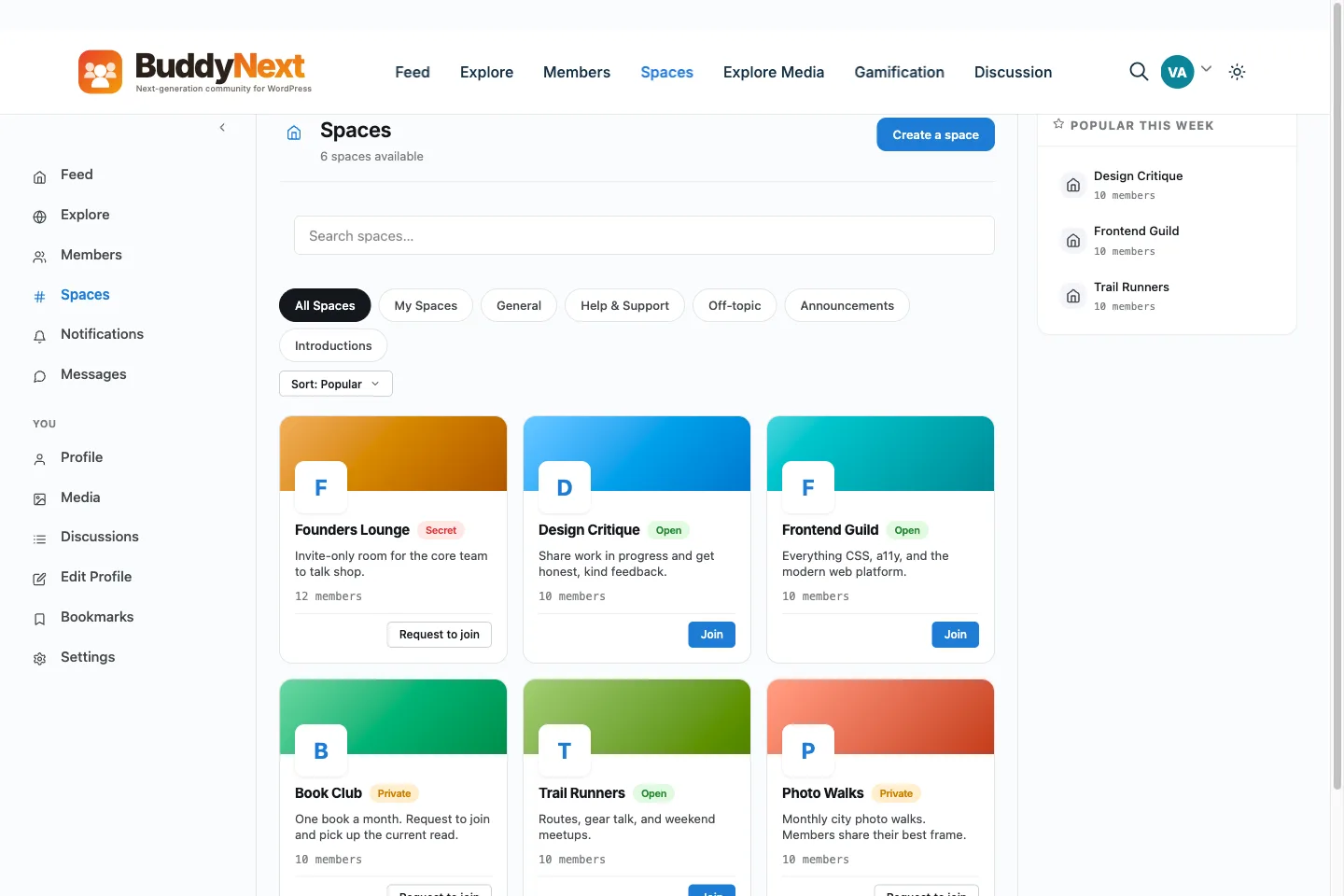
Yes. BuddyNext Pro sells membership plans through Stripe or PayPal, and a plan can open one or more spaces. A member pays, joins the space, and the access ends when the plan does. The feed, spaces, sub-spaces, profiles and moderation come in the free core.
What do I lose by leaving Whop?
The marketplace. Whop sends you buyers who were browsing for something to buy, and a site of your own does not. You will need your own traffic: search, email, social and word of mouth. You also take on a WordPress site and its hosting.
I sell courses on Whop. Is BuddyNext the right alternative?
For the community around the course, yes. For the course and its payouts, look at Learnomy, our WordPress course plugin. There is a Learnomy vs Whop comparison on learnomy.app.
I sell services on Whop. Where should I look?
A done-for-you service is a different sale from a membership. WP Sell Services is our WordPress plugin for selling services with your own checkout, and it has its own Whop alternative page.
Can I keep Whop and add BuddyNext?
Yes. You can keep selling on Whop and send buyers to a community on your own site. BuddyNext Pro can grant a plan from a signed webhook, so a purchase elsewhere can open a space. That needs a little setup, and the sale itself stays on Whop.
WBComDesigns is amazing. The WP plugins and themes are of top notch quality with lots of features and updated very frequently. Supports are very responsive and helpful. I use Reign with TutorLMS, and the experience is surprisingly smooth. The recently launched BuddyNext Pro and MediaShield Pro are…
Hoang Phan · VN ·
WBCOM Designs is Amazing!
WBCOM Designs has constantly updated and supported their plugins and themes. Recently the new BuddyNext project is Amazing! - and the new line of addons like Mediaverse, Jetonomy, Mediashield, and Listora.. are likewise Amazing! - and very well built. Today their online Chat solved a download…
Edward S. · US ·
Wonderful support!
I've been developing a relatively complex website for my business, and my development experience is pretty limited. As expected, I ran into a number of difficulties, and ach time, the Wbcom team helped me resolve my issues quickly and patiently. I can't recommend their products and support enough!
Paris · NZ ·
Prompt and Professional Support
I recently had a fantastic experience with the Wbcom Designs support team. They were incredibly prompt, warm, patient, and friendly as they helped me resolve an issue with my website. I truly appreciate the complexity of troubleshooting website-related issues, as each one is unique, and users often…
Boris Petrov · TH ·
Great support
Great support; the issue was resolved perfectly well.
Fast Incorporated · NG ·
Fantastic 6 star support
Fantastic 6 star support. I wanted to setup a membersite and tried many solutions. I contacted Wbcom for BuddyX and tried the theme with Buddypress. I am not a webdesigner or a coder, but had a requirement that was not standaard. I contacted WBcom and Pallavi helped me from start to finish with…
Hubert · IT ·
Great way of support
Great way of support! Thanks a lot! Direct responding, open for questions and very fast to the right solution!
Ron Henkes, training en begeleiding · NL ·
Fast Respond & Troubleshooting With…
Fast Respond & Troubleshooting With technical insight
Kevin Tan · MY ·
Quick response
Quick response. Solve my problem
Steve Wen · CA ·
just wanted to let you know how pleased…
just wanted to let you know how pleased I am with his work. Shasank was easy to work with and his communication skills were excellent. Please reward him for being a fine employee. Wayne Francis