Can I create a social network for free?
The software, yes. BuddyNext core is free and GPL, as are its companions for forums, media and gamification. You pay for WordPress hosting, which for a new community is a few dollars a month. What you avoid is per-member pricing, which is what makes hosted platforms expensive exactly when the network starts working.
How long does it take?
Installing and configuring is an afternoon. Deciding what your spaces are, seeding the feed and inviting the first group is the part that takes real thought, and it is worth more than the setup. Most networks that fail did the install fine.
Do I need to know how to code?
No. Installing a plugin and choosing your spaces is admin work. Code becomes relevant only if you want a custom front end or an integration, and a full REST API ships in the free core for that.
Is this for social media marketing?
No, and it is worth saying plainly. If you want to schedule posts to Instagram, X or LinkedIn, you want a scheduling tool and this is not one. This is for building a network of your own, where your members post to each other rather than to an algorithm.
What is the difference between this and a Facebook group?
Ownership and reach. A group lives on someone else platform, which decides who sees what and can change the rules or close it. A self-hosted network runs on your hosting with your members in your database, and everyone who joins actually sees what is posted.
How many members do I need to start?
Fewer than you think, and invited in a group rather than all at once. A first cohort small enough that every post gets a reply builds the habit. A launch to thousands who each see silence does not.
Is making a social website the same as creating a social network website?
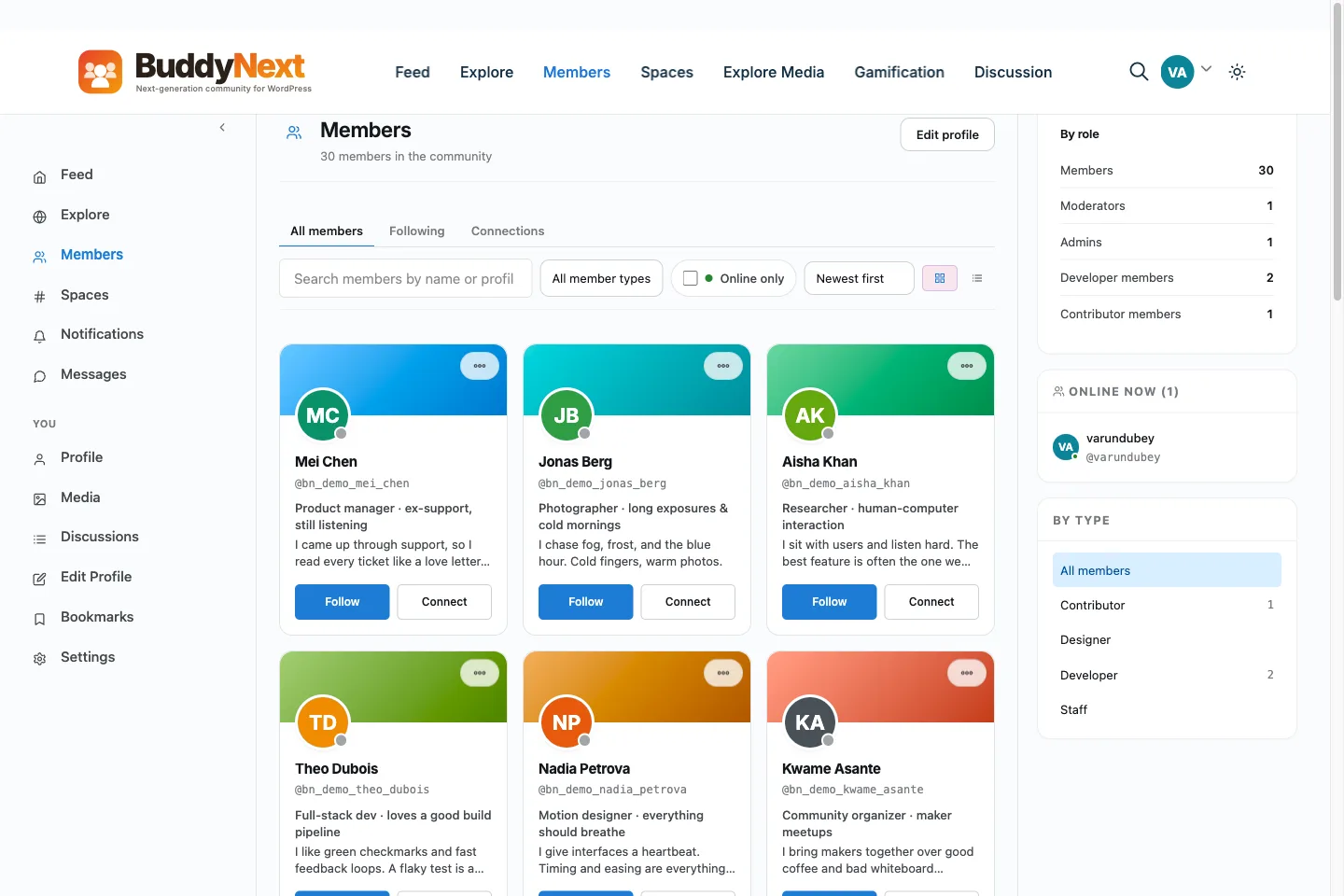
The same job under different names. Whichever phrase you searched, the steps do not change: a WordPress site, a community engine installed on it, a few real spaces, and a seeded feed before you invite anyone. The five steps on this page cover all of it regardless of which term you started from.
Do I need special WordPress social platform software, or does a normal WordPress site work?
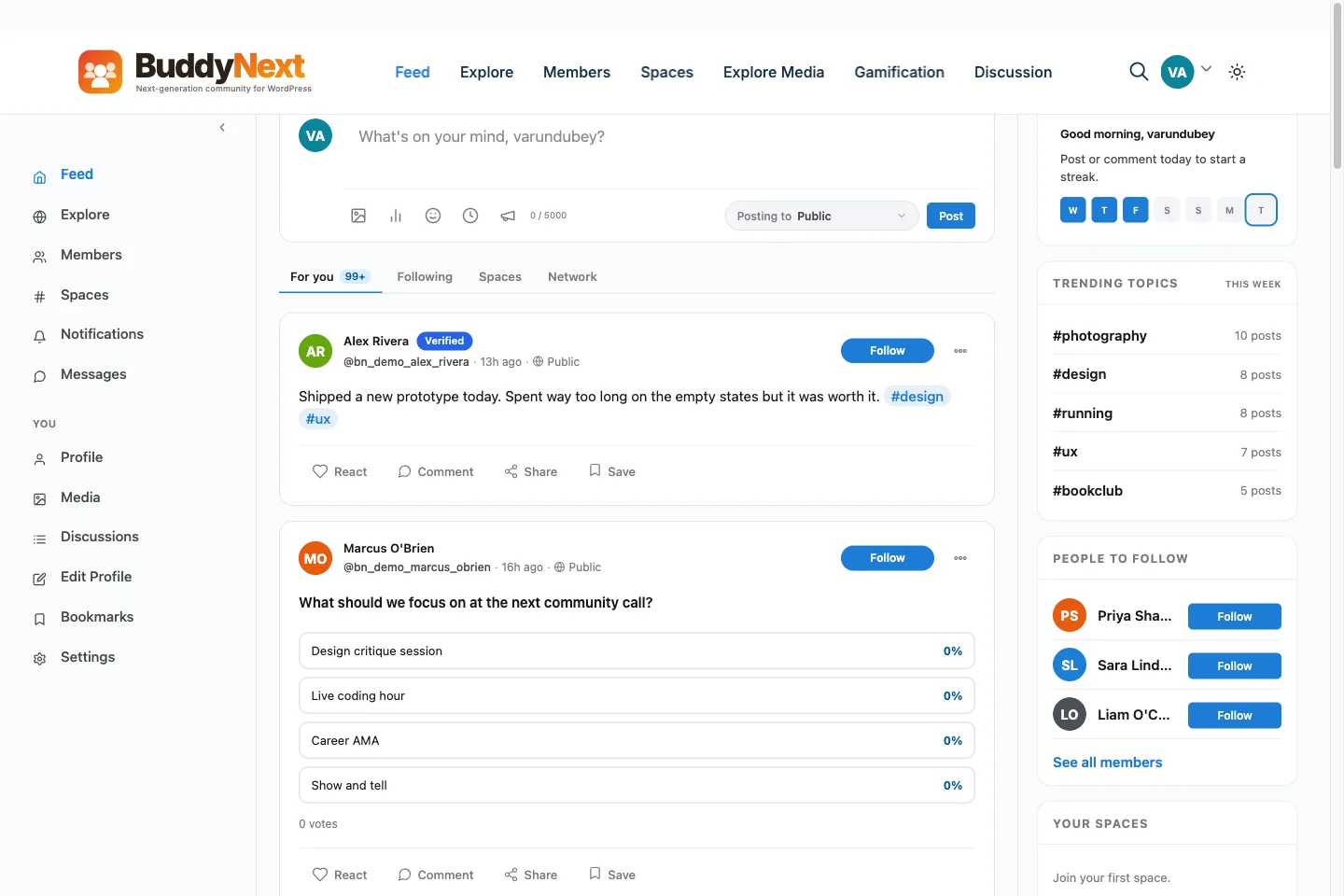
A normal WordPress site is the starting point. There is no separate social edition of WordPress to buy. A regular WordPress site becomes a WordPress social site the moment a community engine like BuddyNext is installed on it, the same way it becomes a store the moment WooCommerce is installed. If you already run WordPress for anything else, you already have this part done.
Can I turn an existing WordPress site into a social network?
Yes, and that is the more common starting point than a fresh install. Adding BuddyNext to a WordPress site you already run puts a social network on WordPress without moving anything that is already there. The one thing worth checking first is that your theme leaves room for a feed and a member directory, since some single-column blog themes do not.
How to create a social network?
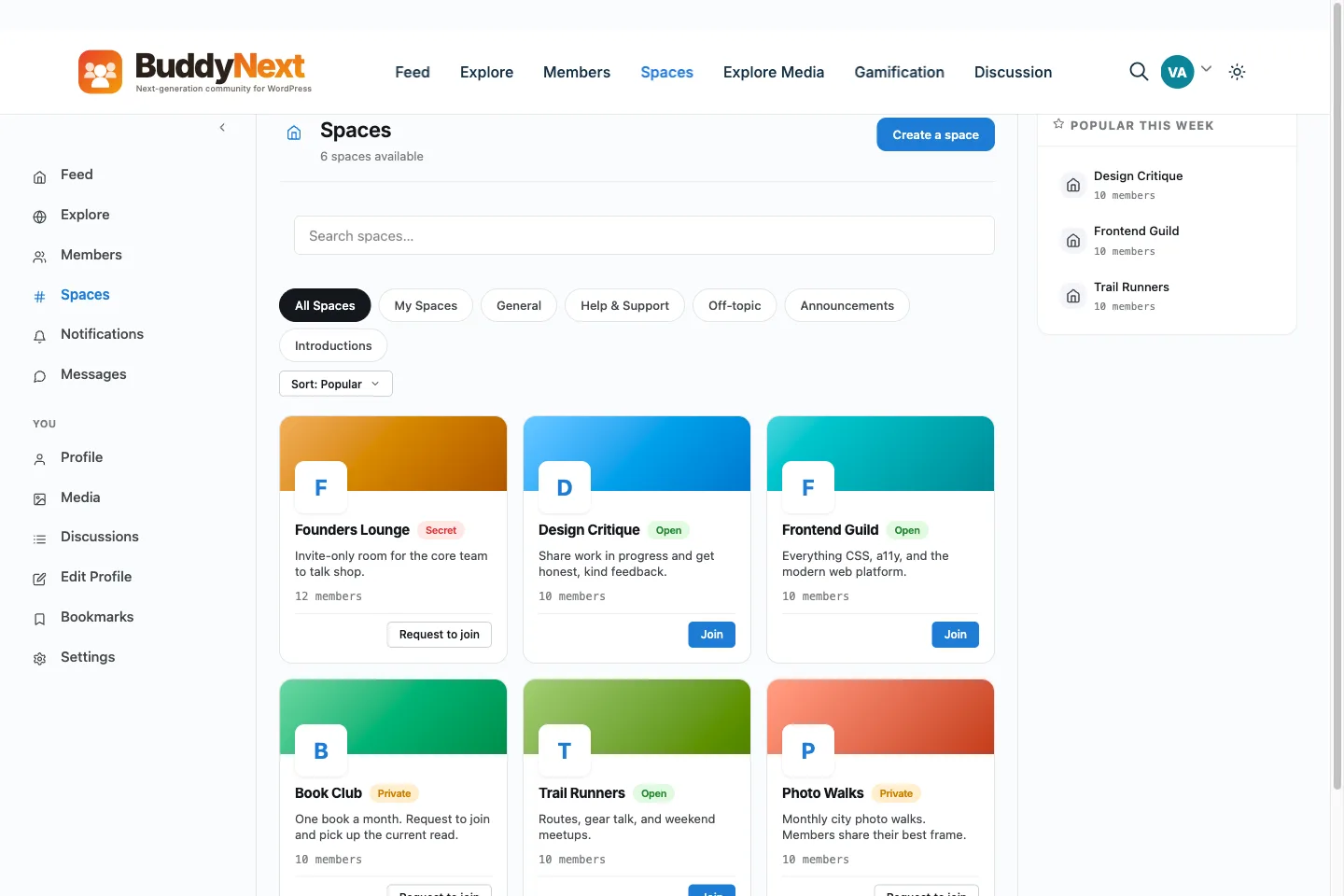
Put a community engine on a WordPress site. Install BuddyNext, run the seven-step setup wizard, open three or four spaces, post a few starter threads and invite a small first group. The software is free; you pay for hosting. The decision that matters most is what members will do there, so settle that before you invite anyone.
How can I create a social network without coding?
Installing a plugin and choosing your spaces is admin work, not development. You upload the plugin, activate it, and the wizard sets up the community pages for you. Code only comes into it if you want a custom front end or an integration, and a full REST API ships in the free core for that.
Can I create your own social network and keep the members?
Yes. Members are standard WordPress accounts stored in your own database, on hosting you pay for. If you ever move host, the members move with the site. A hosted platform keeps them on its servers, so check how it handles an export before you commit.
What does it cost to create a social network on WordPress?
The core plugin is free, so your running cost is hosting and a domain. Pro is optional: $149 a year for one site, with lifetime options on the pricing page. There is no per-member fee and no cut of anything you charge.
Can I move a Facebook group or a Skool community into it?
There is no one-click importer for hosted platforms. The practical route is to export your members' emails where the old platform allows it, then send them a bulk invitation from a CSV file. The free importers are for BuddyPress and BuddyBoss communities only. Plan the move as a small project, and keep the old group open until the new network has life.