Is this a drag-and-drop community website builder?
Not in the Wix or Squarespace sense, and it is worth being clear about that. BuddyNext is a WordPress plugin: you install it on a WordPress site and configure spaces, profile fields and permissions from the admin. What you get for that is a community you host yourself, with no per-member pricing and no platform that can change its terms. If you want a hosted builder with nothing to install, Circle and Mighty Networks do that well and we compare against both.
What can I actually build with it?
Member communities of most shapes: alumni networks, coaching and membership communities, brand and customer communities, marketplaces, internal team spaces, neighbourhood groups, fan communities and product feedback boards. Each of those is written up as a worked example on this page, with what the pattern needs and where it usually goes wrong.
Do I need a developer?
To launch, no. Installing a plugin and choosing your spaces is admin work, not development. A developer becomes useful if you want a custom front end or an integration, and for that a full REST API ships in the free core.
What does it cost to build a community website this way?
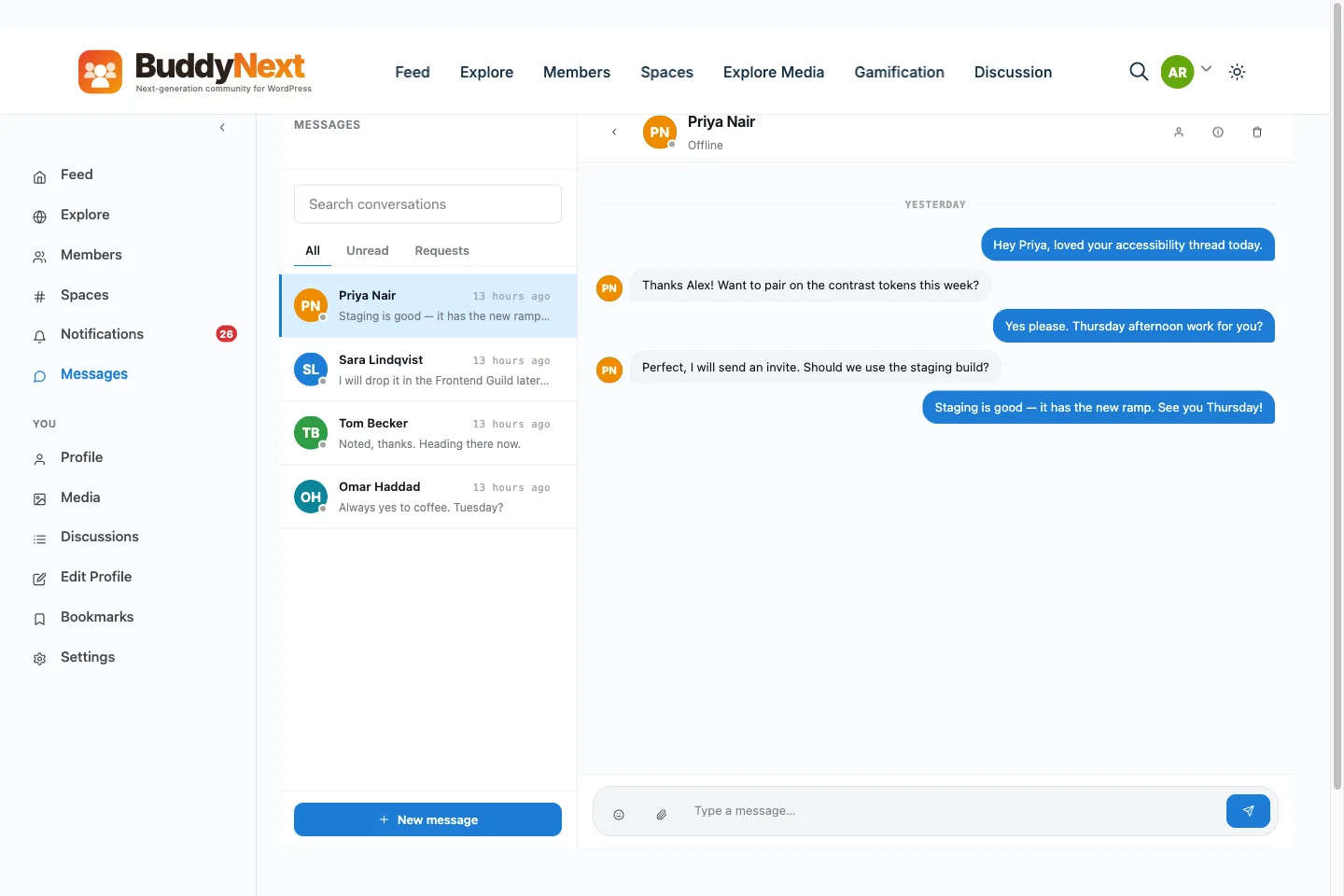
The community software is free and GPL, including the companions for forums, media and gamification. You pay for WordPress hosting, which for a small community is a few dollars a month. Pro is optional and adds group and real-time messaging, gated and tiered spaces, and paywalls.
Can I move an existing community into it?
If you are on BuddyPress or BuddyBoss, yes, and with the free BuddyNext Importer: members, profile fields, groups, activity history, forums, media and private messages. If you are on a hosted platform, our team has run those migrations through the source platform API, so ask us rather than starting over.
How do I add a social network with activity feeds and groups to my existing WordPress site?
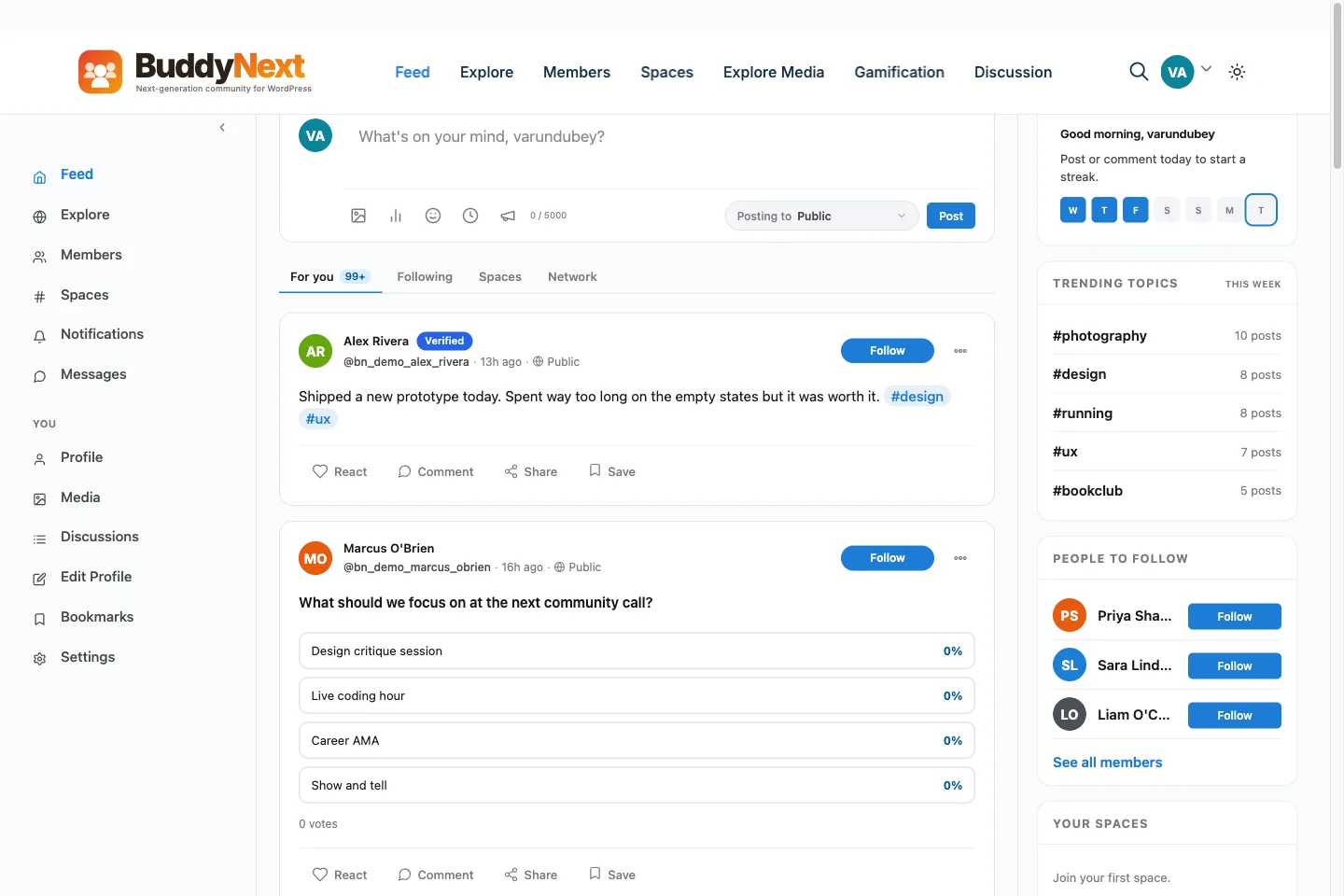
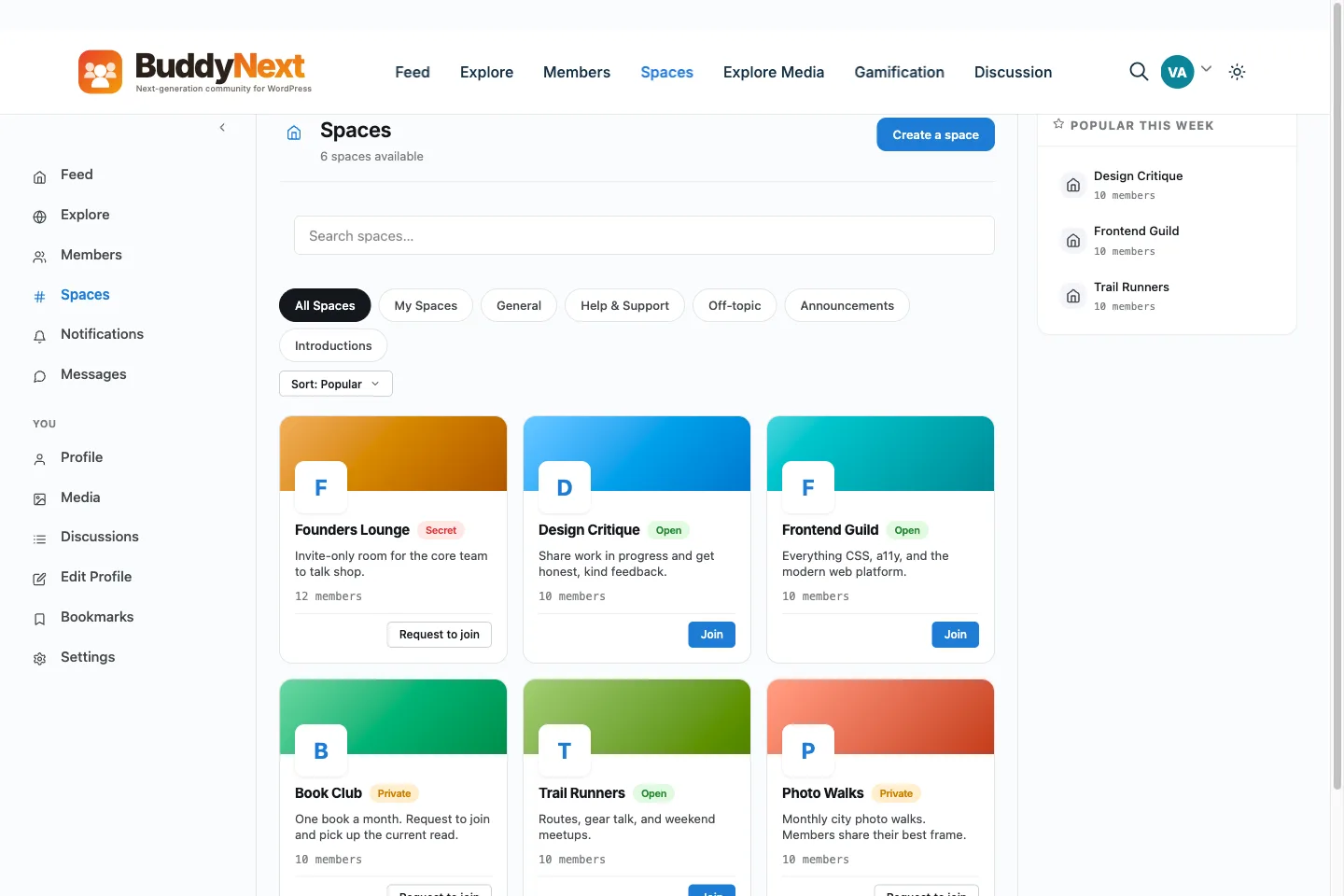
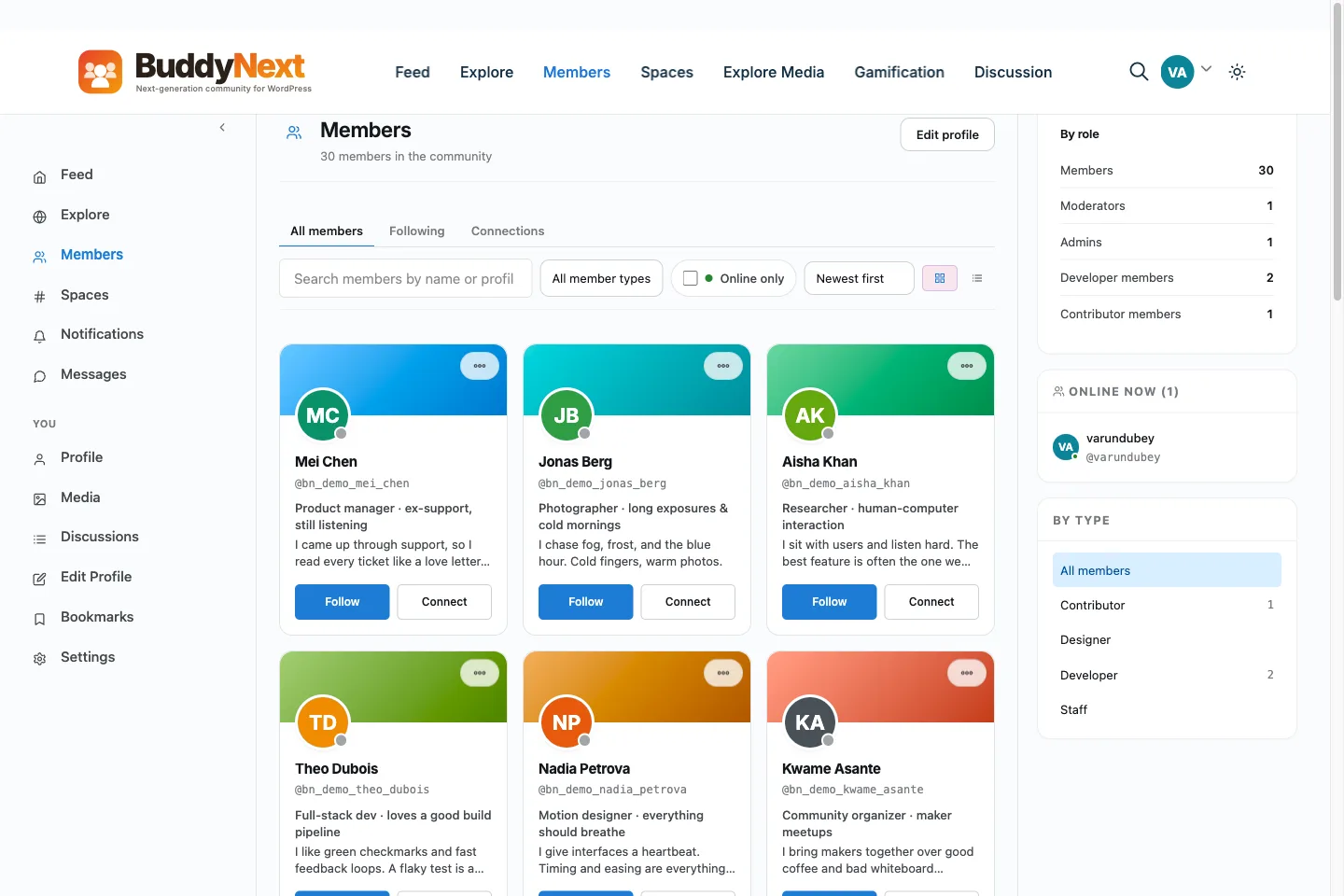
Install BuddyNext on the site you already run, activate it, and run the setup wizard. It creates the Activity, Members and Spaces pages, and spaces are the groups. Existing users become members because BuddyNext uses standard WordPress accounts. It works inside any theme, so nothing about your current site has to move.
How do I build a community website?
Install a community engine on WordPress, decide who can join, open a few spaces and invite a small first group. With BuddyNext the plugin is free and setup is a seven-step wizard. Most of the work is deciding what members will do there, not the clicks.
Will it work with my current theme?
Yes. BuddyNext brings its own community interface, and your theme controls the header, footer, base fonts and site colours around it. BuddyX is free and built for community sites, and BuddyX Pro and Reign are premium options, but you do not need any of them.
Do my existing users become members?
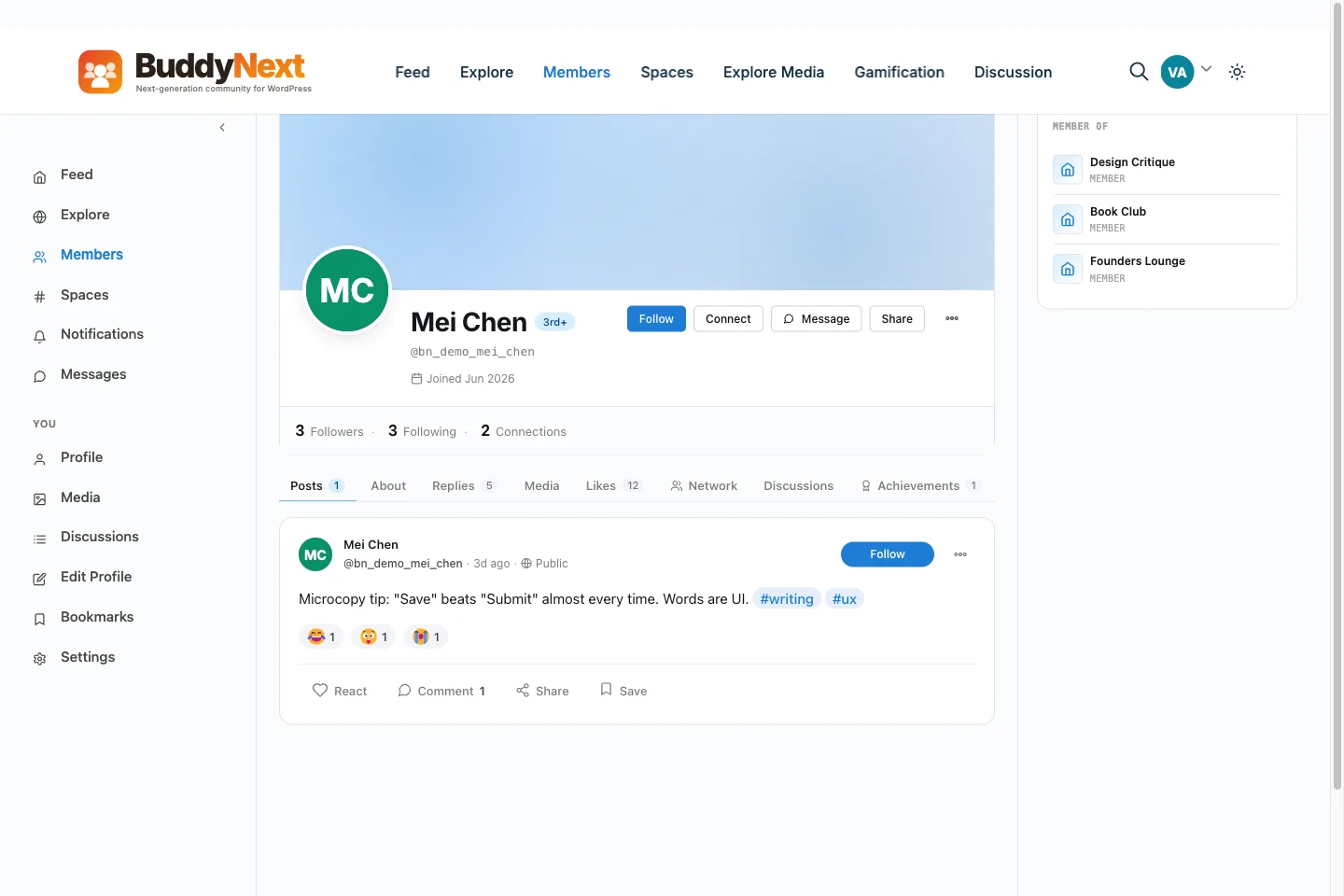
Yes. Members are standard WordPress accounts, so anyone who already has an account on your site can sign in to the community. New sign-ups follow the registration mode you pick in the wizard.
How much does a community website cost to run?
The core plugin is free, so you pay for hosting and a domain. Pro is optional, from $149 a year for one site or from $399 once for lifetime, and there is no per-member fee or cut of what you charge. The <a href="/pricing/">pricing page</a> lists every tier.