If you have started searching that, something about Slack has stopped fitting -
the price, the lock-in, the rented-land feeling. Here is the honest version: the
real reasons people look elsewhere, whether BuddyNext is a genuine answer, the
other options worth a look, and how to actually move.
Slack is excellent for teams and real-time coordination, and plenty of communities run happily on it. People look elsewhere when a free workspace stops fitting a community: history older than roughly 90 days disappears, paid seats are billed per active member, and nothing is public. If you want to host it yourself, BuddyNext is a free WordPress plugin that keeps every post in your own database.
→On the free plan, message history is limited to roughly the last 90 days - older discussion becomes inaccessible, so the community has no durable archive.
→Paid plans are priced per active member, which gets expensive fast for an open community rather than a fixed team.
→Nothing is public or searchable on the open web, so Slack never brings you new members from search.
→It is chat-shaped and work-flavoured - fine for coordination, limited for structured, content-led community with profiles and spaces.
→No ownership or branding: the workspace, members and messages live with Slack, under Slack's UI.
None of this means Slack is a bad product - for plenty of communities it is the right call.
These are simply the friction points that send people looking, stated fairly.
The case for BuddyNext
Why BuddyNext is a strong Slack alternative.
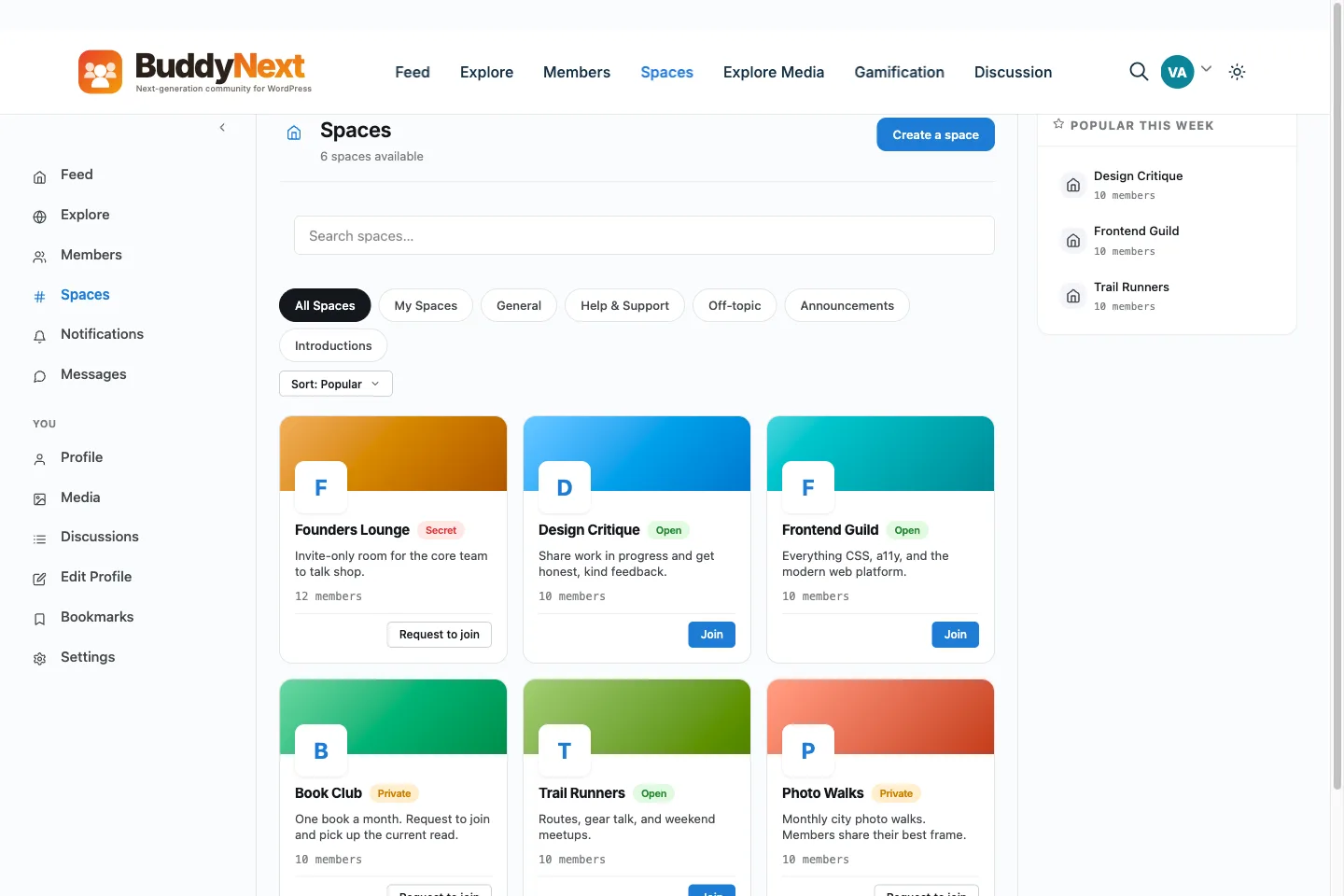
BuddyNext is a self-hosted community platform for WordPress. The whole idea is the
opposite of renting: you own the data, you pay for hosting instead of a platform cut,
and you start free. Here is where that pays off against Slack.
✓Slack is a chat workspace, and that is all it is. BuddyNext is a whole platform built in-house by one team - community, forums, courses, events, a job board, a marketplace, and gamification together - and you own it on your own site rather than renting a per-seat workspace.
✓Your message history is yours, not Slack's. BuddyNext runs on your own WordPress, so every post and DM sits in a database you control, while Slack keeps your workspace and conversations on its servers and decides under its own terms how far back you can even read them.
✓No per-seat bill. Slack charges per active user, so a growing community gets steadily more expensive; BuddyNext is a free core plus an optional flat Pro license and your hosting, regardless of member count.
✓A real, persistent, searchable website on your own domain. Slack content is walled off and not indexable; even its free plan hides message history past about 90 days. BuddyNext content is durable and can be found.
✓Built for public, structured community - profiles, member directories, spaces, a threaded activity feed, and a moderation queue - rather than a chat workspace meant for an internal team.
✓Monetization and full control on your terms: gated and tiered spaces and paywalls on Pro, a free REST API, theme-level restyling, and the whole WordPress ecosystem. Slack is not built to be your membership business.
We would rather you pick the right home than just pick ours. If BuddyNext is not your
fit, these are real options worth a look - each suits a different kind of community.
DiscordFree and better suited to large open chat communities than per-seat Slack, but still hosted by someone else.
DiscourseOpen-source forum software you host yourself on your own server, if durable threaded discussion is the goal.
HumHubA self-hosted social network that runs as its own PHP application, not inside WordPress.
ZulipOpen-source team chat you can self-host, organised by topic so threads stay readable.
MattermostSelf-hosted team collaboration, built for teams that need control over where messages live.
BuddyNextWhat you can host yourself on WordPress: every post and DM in your database, no seat count, no history cap. Keep Slack for team coordination alongside it.
No fairy tales
How to switch - honestly.
Moving a community off Slack is less an export and more a rebuild plus a migration of people. Stand up your new home, recreate the channels worth keeping as durable spaces, and export what history you can while you still have access, before the roughly 90-day window on a free plan moves on. Invite your most active members first, and let Slack settle back into being the team tool rather than the whole community.
1Plan it as a real project. A community move is migration work, not a button. Give it a window and a checklist, not an afternoon and a hope.
2Export your data first. Pull out your members, content and anything you can from Slack before you touch the new platform, so nothing depends on access you might lose.
3Build and test on staging. Stand up BuddyNext on a staging copy of your site, import everything, and check messaging, spaces and access actually work before any member sees it.
4Cut over and bring people across. Point your domain at the new home, invite your most active members first, and run both in parallel for a short while rather than flipping everyone at once.
Anyone selling you a magic one-click migration off a hosted platform is overselling it.
Done as a real project, though, the move is very doable - and you only do it once.
What it costs you
Honestly, where the money goes
Switching costs something either way, so here is our side of it in plain terms rather than only Slack's.
Free, and it is a working community
Unlimited spaces, a filterable member directory, notifications and the full report-and-moderate queue are all in the free plugin, with direct messages through the free WPMediaVerse companion. It is not a trial that expires or a seat cap you grow into.
Nobody bills you per member
Slack prices by how many people show up, so success raises the invoice. BuddyNext does not count your members: it runs on your own WordPress, so growing the community costs you hosting, not a bigger plan.
Moderation is not an upsell
The report button, the admin review queue, the moderation log, and dismiss, remove, warn, strike and suspend are free. A community with no way to settle an argument is not one, so it is not sold back to you separately.
A lifetime option exists
Pro is $149 a year, or $399 once. Stop renewing and the community keeps running, because the free plugin is what it is built on rather than a crippled version of it.
Slack pricing: Per-seat SaaS. A free plan exists but caps message history (roughly the last 90 days) and integrations; paid plans price per active user - higher tiers cost more per seat, and monthly billing costs more than annual. Per-seat pricing scales with member count, which gets expensive for a large community. Verify current pricing on slack.com.
Sandbox demo
Try it on a live demo community
One click builds a private copy of our demo community, with members, spaces and posts already in it. InstaWP asks for an email to create it, it lasts four hours, and nobody else sees what you change.
The main Slack alternatives are Discord, Discourse, HumHub, Zulip, Mattermost, and BuddyNext. Discord: Free and better suited to large open chat communities than per-seat Slack, but still hosted by someone else. Discourse: Open-source forum software you host yourself on your own server, if durable threaded discussion is the goal. HumHub: A self-hosted social network that runs as its own PHP application, not inside WordPress. Zulip: Open-source team chat you can self-host, organised by topic so threads stay readable. Mattermost: Self-hosted team collaboration, built for teams that need control over where messages live. BuddyNext: What you can host yourself on WordPress: every post and DM in your database, no seat count, no history cap. Keep Slack for team coordination alongside it. The right one depends on what made you look.
Is BuddyNext a good alternative to Slack?
For people leaving Slack to own their stack, yes. BuddyNext is self-hosted on WordPress, so your members and content live in your own database, there is no per-month platform fee or cut of your sales, and there is a genuinely complete free tier to start on. The trade is that you (or your host) run WordPress. If you want zero maintenance above all, a hosted option may suit you better - and we say so.
Can I move my community from Slack to BuddyNext easily?
Be honest with yourself here: plan it as a real project, not a one-click switch. Export your members and content, rebuild on a staging site first, check everything survived the move, then point your domain across and invite people over. Anyone promising a magic one-click migration off a hosted platform is overselling it.
Is BuddyNext cheaper than Slack?
Usually, over time. BuddyNext has a complete free tier and an optional annual Pro license; your main running cost is your own hosting, with no monthly platform fee and no cut of your revenue. Slack's ongoing cost depends on its plan and any fees. Run your own numbers, but for a growing community the ownership model tends to win on cost.
WBComDesigns is amazing. The WP plugins and themes are of top notch quality with lots of features and updated very frequently. Supports are very responsive and helpful. I use Reign with TutorLMS, and the experience is surprisingly smooth. The recently launched BuddyNext Pro and MediaShield Pro are…
Hoang Phan · VN ·
WBCOM Designs is Amazing!
WBCOM Designs has constantly updated and supported their plugins and themes. Recently the new BuddyNext project is Amazing! - and the new line of addons like Mediaverse, Jetonomy, Mediashield, and Listora.. are likewise Amazing! - and very well built. Today their online Chat solved a download…
Edward S. · US ·
Very useful website
Very useful website
Julka Mykhailiuk · PL ·
I only have positive experience!
I only have positive experience with wbcom. My journey started a lot of years back with the free buddyx theme. during my learning of wordpress and futher websites ideas I found a match with their Reign job mate theme. Always there to help, always open to explore ideas, always kind replyes even if I…
Oskar Hanborg · SE ·
This team is always responsive and…
This team is always responsive and helpful, providing me with solutions that work and that are without delay. They are an amazing group to work with!
Philip Schissler · US ·
A great company with a great solutions…
A great company with a great solutions that has helped me a lot and their customer service support is top notch even for free users. They need riducule their customers.
Abdulakeem Muhammed · NG ·
I have found that support for…
I have found that support for Wbcomdesigns has been very responsive and has gone above and beyond to help resolve any/all issues I run into.
Dave Sadows · US ·
Prompt and thorough feedback and…
Prompt and thorough feedback and responses, very easy to work with, really excellent customer service. I'm grateful to the team, particularly Kerit and Shashank, for their patience and help.
María D · US ·
Swift and expert coding!
Swift and expert coding by Kerit to apply a personalised display adjustment on the Reign Theme for a media plugin that was not fully supported at the moment.
Russell · GB ·
Great customer experience
I received a very nice answer just a few hours after I created a ticket. Funnily enough, the feature I had requested in my ticket had just been implemented and released, so Kerit asked me to update the LD Dashboard plugin. It all works as I had hoped for my use case. Maybe I wasn't the first to…