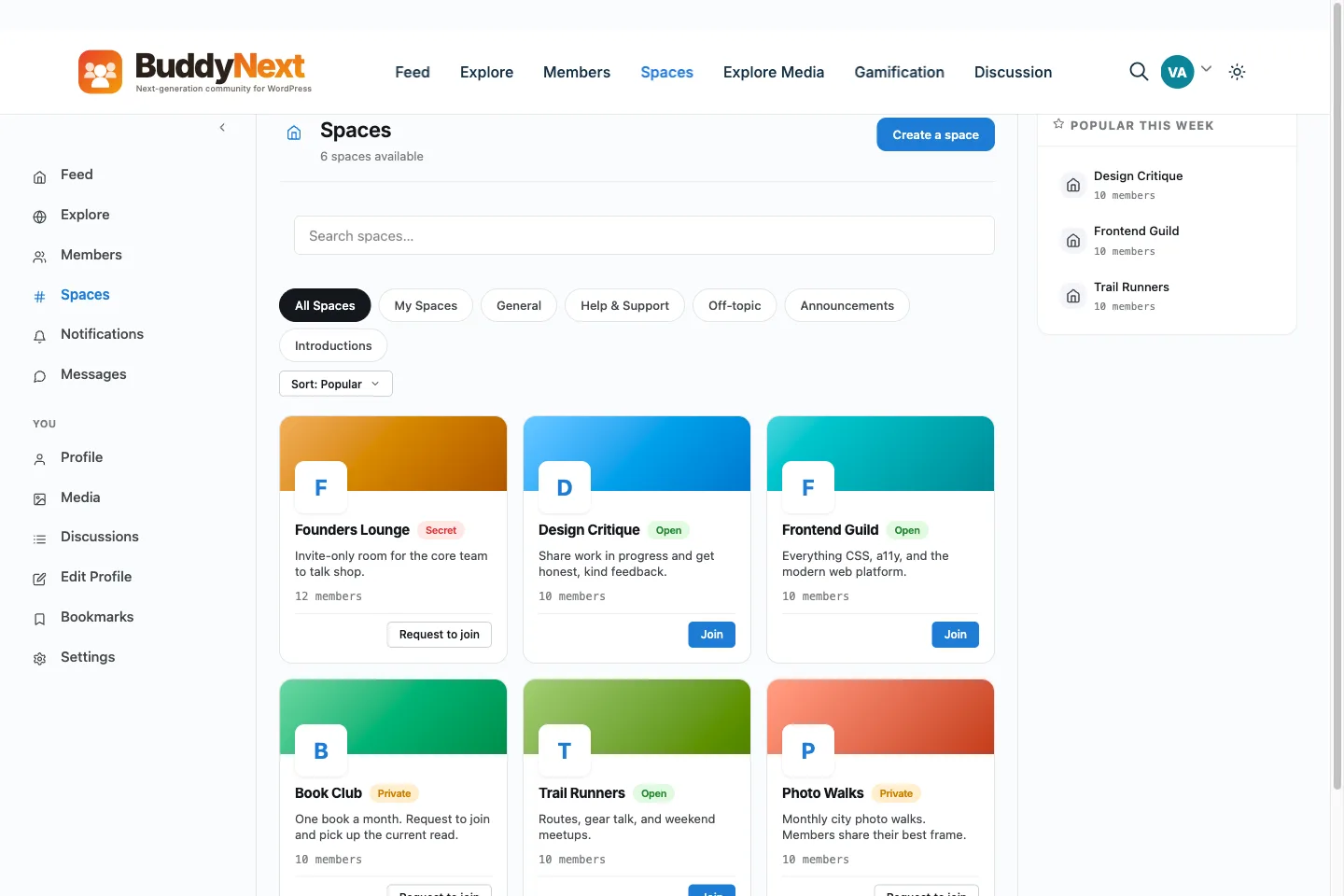
WhatsApp is the easiest place to start a group, and for a small circle of friends it can stay there. This page is for organisers whose group earns money, brings in leads or holds a community together, and who want it to survive a decision made at someone else's company.
WhatsApp Members are phone numbers inside WhatsApp
BuddyNext You - accounts and emails in your own database
What it is
WhatsApp Phone messaging app with groups and Communities
BuddyNext Community platform on your own WordPress site
The honest reasons
Why people look for a WhatsApp alternative.
Nobody leaves WhatsApp because it is bad. People look past it when the group matters to a business, and it sits in an account and an app they do not control.
→The account is not yours. WhatsApp's Terms of Service (checked 26 Oct 2026) say it may disable or suspend an account, and may modify, suspend or end access to its Services at any time.
→Bulk messaging is not allowed. The same Terms rule out impermissible communications such as bulk messaging and auto-messaging, which is a problem when you need to reach a whole list.
→Your members are phone numbers inside the app. You do not hold an email list or a member database of your own.
→One long chat is a poor archive. Announcements, answers and links scroll away and are hard to find again.
→There is no checkout and few tools. Paid access, tiers and moderation beyond group admin settings are not part of the app.
None of this means WhatsApp is a bad product - for plenty of communities it is the right call.
These are simply the friction points that send people looking, stated fairly.
The case for BuddyNext
Why BuddyNext is a strong WhatsApp alternative.
BuddyNext is a self-hosted community platform for WordPress. The whole idea is the
opposite of renting: you own the data, you pay for hosting instead of a platform cut,
and you start free. Here is where that pays off against WhatsApp.
✓The member list is yours. Every member has an account on your own WordPress site, with a profile and an email address in your database, not a phone number inside someone else's app.
✓The room is yours. Spaces, sub-spaces, an announcement pinned to the top, polls and reactions all sit on your own domain, so a policy change at WhatsApp cannot switch them off.
✓A conversation you can find again. Posts live in a feed and in spaces, with search, instead of scrolling away inside one long chat.
✓You choose who can post. A space can let everyone post, only moderators, or only you, which suits a read-mostly channel better than a group where anyone can reply to anything.
✓Moderation tools. Members can report, a moderation queue holds the reports, and you can warn, suspend or ban without leaving the site.
✓Paid access on your own checkout. BuddyNext Pro sells membership plans through your own Stripe or PayPal account, with no cut from us.
✓Email you can send. Broadcast email and drip sequences (Pro) reach members by email, which is your own list.
There is no head-to-head page for WhatsApp, because the two are not a choice
between. What BuddyNext charges for sets out the boundary, and the two can run together.
Not just us
Other alternatives to consider.
We would rather you pick the right home than just pick ours. If BuddyNext is not your
fit, these are real options worth a look - each suits a different kind of community.
DiscordIf your members want live voice and chat channels, and you are fine with a server on someone else's platform.
Facebook GroupsIf your members already live on Facebook and you want a feed and rooms.
BuddyNextThe route where the member list, the room and the checkout are yours: spaces, announcements, polls and invite links on your own site.
No fairy tales
How to switch - honestly.
A WhatsApp group cannot be exported into a site, so this is a rebuild with an invitation. Save your member details now, build the space on a staging site, make an invite link and post it in the group. Run both for a few weeks, because some members will stay on WhatsApp. Native BuddyNext apps are in development; today members get an installable web app.
1Plan it as a real project. A community move is migration work, not a button. Give it a window and a checklist, not an afternoon and a hope.
2Export your data first. Pull out your members, content and anything you can from WhatsApp before you touch the new platform, so nothing depends on access you might lose.
3Build and test on staging. Stand up BuddyNext on a staging copy of your site, import everything, and check messaging, spaces and access actually work before any member sees it.
4Cut over and bring people across. Point your domain at the new home, invite your most active members first, and run both in parallel for a short while rather than flipping everyone at once.
Anyone selling you a magic one-click migration off a hosted platform is overselling it.
Done as a real project, though, the move is very doable - and you only do it once.
Moving off WhatsApp
Keep the community and the leads if the group is limited or banned.
A WhatsApp group cannot be exported into a site, so this is a rebuild with an invitation. This guide covers what to save now, how to set up a room that suits a group, and how to bring people across.
Save what you can, now
Do this before anything goes wrong. A disabled account can take the group out of your hands with little warning.
The member list, with names and whatever contact details people have already shared with you.
Pinned messages, rules and links people keep asking for.
Photos, files and voice notes you want to keep, from your own device.
Any promises the group relies on, such as a weekly call, so the new place honours them.
Do not collect phone numbers without people knowing why. Ask members for an email address in a message, and say what you will use it for.
Build a room that fits a group
Create a space for the main group, and sub-spaces (two levels in the free core) for topics people want apart.
For a read-mostly channel, set Who can post to moderators and owner only, or owner only. Members still react, vote and comment.
Post one announcement. It pins to the top of every member's home feed until each person dismisses it.
Use a poll for the quick questions a chat does well, such as a date or a choice.
Turn on request-to-join if you want to approve each person.
If the group is paid
BuddyNext Pro lets a membership plan open one or more gated spaces, billed through your own Stripe or PayPal account. You keep the checkout and the member list. Stripe and PayPal can still hold or review payments like any processor.
The move, step by step
1Install BuddyNext on a staging site and create the space and its sub-spaces.
2Make an invite link in the space settings, with an expiry and a use limit that suit you.
3Test as a stranger on a phone: open the link, sign up, join, post.
4Install the web app on your own phone from the browser to see what members will see.
5Post the link in the WhatsApp group with a date and a reason.
6Put the first announcement and the first poll in the new space before people arrive.
7Keep the group open for a few weeks and answer questions in the new place.
8Ask for emails, then use broadcast email (Pro) for anything that must reach everyone.
What not to expect
Chat history does not carry over. The new space starts fresh.
Not everyone will move. People who are happy in WhatsApp may stay there.
Phone notifications are not the same. The free web app is installable; push is a Pro feature that needs a Firebase project.
Native BuddyNext apps are in development and are not available today.
What it costs you
Honestly, where the money goes
Switching costs something either way, so here is our side of it in plain terms rather than only WhatsApp's.
Free, and it is a working community
Unlimited spaces, a filterable member directory, notifications and the full report-and-moderate queue are all in the free plugin, with direct messages through the free WPMediaVerse companion. It is not a trial that expires or a seat cap you grow into.
Nobody bills you per member
WhatsApp prices by how many people show up, so success raises the invoice. BuddyNext does not count your members: it runs on your own WordPress, so growing the community costs you hosting, not a bigger plan.
Moderation is not an upsell
The report button, the admin review queue, the moderation log, and dismiss, remove, warn, strike and suspend are free. A community with no way to settle an argument is not one, so it is not sold back to you separately.
A lifetime option exists
Pro is $149 a year, or $399 once. Stop renewing and the community keeps running, because the free plugin is what it is built on rather than a crippled version of it.
WhatsApp pricing: WhatsApp is free for people to use. The cost is not money. It is that the group lives in an account and an app you do not control. WhatsApp's Terms of Service (whatsapp.com/legal/terms-of-service, checked 26 Oct 2026) say it may disable or suspend an account, and may modify, suspend or end access to its Services at any time.
Switcher questions
Questions people ask before they move.
What does WhatsApp say about banning or limiting accounts?
WhatsApp's Terms of Service (whatsapp.com/legal/terms-of-service, checked 26 Oct 2026) say it may take action on an account, including disabling or suspending it, and may modify, suspend or end access to its Services at any time. They also say you may not use the Services for impermissible communications such as bulk messaging and auto-messaging. The Terms print no numeric sending limit, and we do not quote one.
Is leaving WhatsApp the safe choice for a paid or business community?
Not always. If the group is a few friends or a small class, WhatsApp is fine and costs nothing. If the group brings in money or leads, the risk is that it sits in an account and an app you do not control. Keeping a second home on your own site means a policy decision at WhatsApp cannot take your member list with it.
Will my members move from the group to the site?
Some will and some will not, and you cannot move a WhatsApp chat for them. Post the invite link to your space in the group and say why. Give people a reason to come, such as the announcements, the polls and the archive being on the site, and keep the group open as a pointer while the habit changes.
Can BuddyNext replace the WhatsApp group completely?
For most communities, yes, and for a read-mostly group it fits better. You can set a space so only you or your moderators post, with members reacting, voting and commenting. What it cannot match is WhatsApp's reach on a phone: everyone already has the app. BuddyNext Free is an installable web app, and push notifications are in Pro. Native apps are in development.
How do I invite people from WhatsApp?
Create a space, then make an invite link in the space settings. You choose how long it works and how many people it admits. Paste it in your group. The link takes people to sign in or sign up, then join. See how invite links work and the Facebook Groups guide for the same move from another group tool.
Can I keep the WhatsApp group and add BuddyNext?
Yes, and it is the safest start. Keep WhatsApp for quick chat and use the site for announcements, the archive, member profiles and anything paid. See also Discord if your members are more at home in a chat server.
WBComDesigns is amazing. The WP plugins and themes are of top notch quality with lots of features and updated very frequently. Supports are very responsive and helpful. I use Reign with TutorLMS, and the experience is surprisingly smooth. The recently launched BuddyNext Pro and MediaShield Pro are…
Hoang Phan · VN ·
WBCOM Designs is Amazing!
WBCOM Designs has constantly updated and supported their plugins and themes. Recently the new BuddyNext project is Amazing! - and the new line of addons like Mediaverse, Jetonomy, Mediashield, and Listora.. are likewise Amazing! - and very well built. Today their online Chat solved a download…
Edward S. · US ·
I have contact with "Wbcom Designs"…
I have contact with "Wbcom Designs" tomorrow to fix some minor issues for my website. He came to me online on chat and fixed the issues in a very short time. I really appreciate the support team member her name is "Pallavi". Thank you so much 🙏
Faisal Mehmood · PK ·
Excellent plugins and awesome service
Excellent plugins and awesome service. Very quick to respond to questions.
Jonathan · GB ·
Exceptional service by Wbcom Designs
Exceptional service by Wbcom Designs, their WordPress Development expertise is commendable. Grateful for their insightful solutions and prompt assistance.
Needhi Singh · IN ·
Recently worked with Wbcom Designs and…
Recently worked with Wbcom Designs and I was impressed with their services. They have the expertise to deliver a perfect website for my business. And one more thing the team at Wbcom Designs was very helpful they understand my every small requirement.
Kanchan Verma · IN ·
Best WordPress Development Service
Wbcom Designs are the best and very knowledgeable WordPress Development Service, as I was stuck and didn't know how to resolve the issue. Go for it Guys, without any second thoughts.
Allison Soro · US ·
Amazing WP themes and Plugins
Amazing WP themes and Plugins, the support team is also very helpful. I had a wonderful experience with Wbcom Designs team. Highly recommended
Sophie Hart · US ·
Wbcom Designs - A Great Experience
we had a wonderful experience with Wbcom Designs team. These guys are great and highly helpful, swiftly responding to our questions and offering answers to our problems. They also did some custom work for us. I'd without a doubt suggest their services to others!
Amelia Evan · US ·
Perfect themes
I purchased Reign theme from Wbcom Designs, the support team was very helpful and I got the perfect website what I was looking for. Good work Wbcom Designs