
 BuddyNext Pro
 WP Career Board
BuddyNext + WP Career Board
A job board and resume directory that posts straight into your community feed.
What happens when someone uses it
One action, everywhere it lands
A job is posted, or a member marks themselves open to work
- Activity feed A job card, removed automatically when it expires
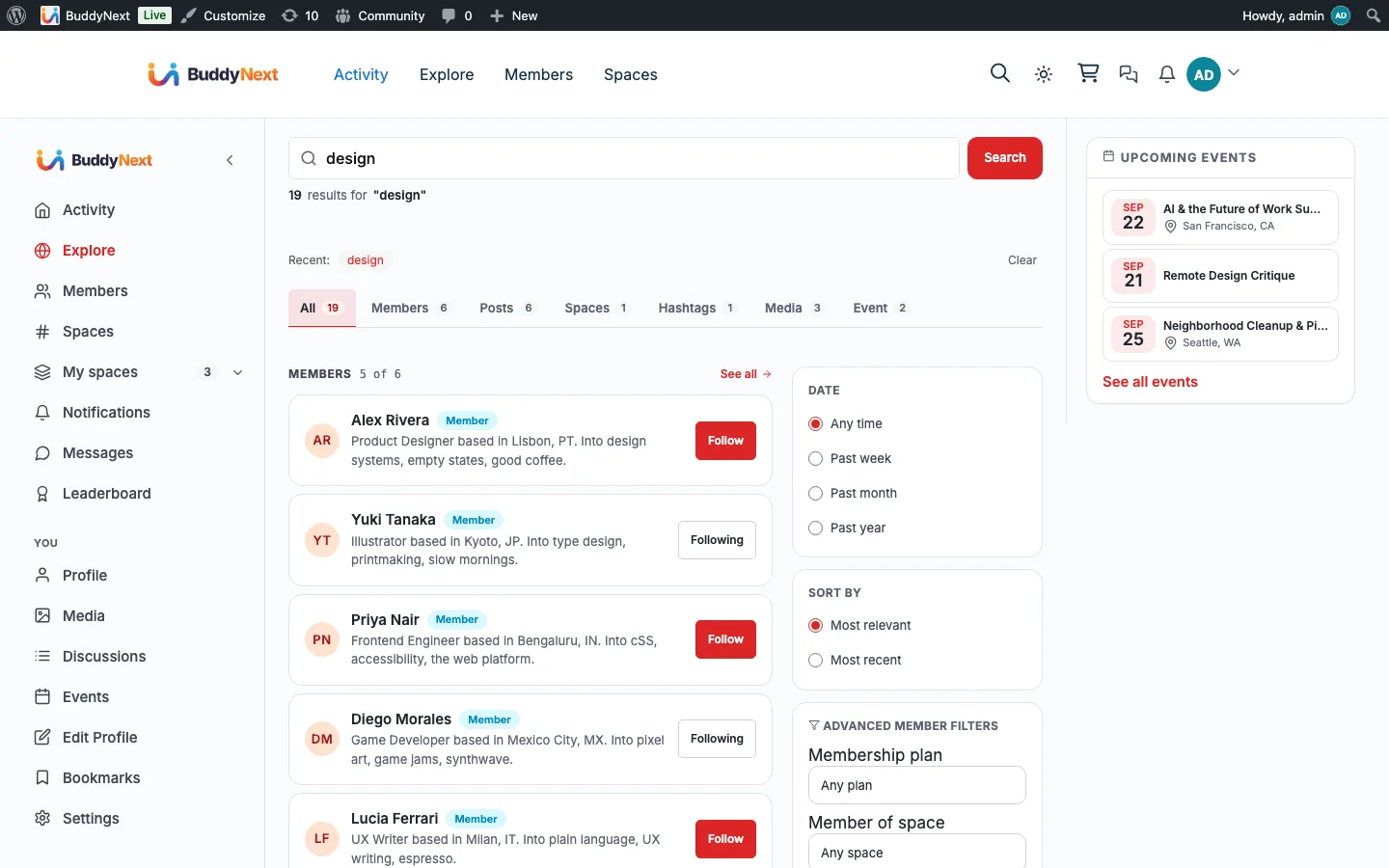
- Community search Jobs, indexed. Resumes are not.
- Notification bell Gathered under a Jobs source
The bridge self-guards on WP Career Board and quietly does nothing when it is not installed, so none of this appears until you turn it on.
What it changes
Your community with WP Career Board in it
Each of these is something a member can do the day you turn it on, and what it changes for whoever runs the place.
-
Post a job and have it appear as a feed card and in community search, not only on a board page.
What changes
The role reaches the members you already have, instead of waiting for someone to remember the board exists.
-
Mark themselves open to work and have that surface to the rest of the community as a card.
What changes
Hiring happens between people who already know each other, which is the entire reason a community board beats a public one.
-
Stop running into expired roles, because their cards drop out of the feed on their own.
What changes
The board stays credible without anyone doing weekly housekeeping to keep it that way.
-
Pick up job activity in the BuddyNext bell under a Jobs source.
What changes
Members watch one bell rather than two, and Career Board still sends its own email for the people who prefer it.
How it works
The flow, step by step
- 1 When a job is published, the bridge indexes it for community search and posts a "posted a new job" card.
- 2 A public resume posts an "is open to work" card; when a job expires, its card is removed.
- 3 BuddyNext Free receives what Career Board sends on wcb_notification_created and shows it in the notification center under a Jobs source.
For developers
The bridge self-guards on the partner plugin and no-ops when it is absent. Key hooks: wcb_job_created, wcbp_resume_published, wcb_notification_created.
If WP Career Board is not installed
Nothing registers without WP Career Board, so the feed cards, the search entries and the job notifications simply do not exist. Jobs and resumes already published keep their feed cards if you deactivate the plugin later, because removal is driven by Career Board's own events and those stop arriving.
What to check once it is on
Post a job and confirm it reaches both the feed and community search, then expire it and confirm the card goes. Resumes need their own check because they behave differently: mark one public and confirm the “open to work” card appears, then turn it off again and confirm the card is withdrawn. That second half is the fragile path, since Career Board has no hook for a resume being taken down and BuddyNext watches the setting itself.
WP Career Board questions
- Are resumes searchable in the community?
- No. Jobs are indexed for community search; resumes are deliberately not, because a resume is personal in a way a job posting is not. Resumes appear as feed cards when a member marks themselves open to work.
- What happens when a job expires?
- Its feed card is removed and it comes out of community search, and the same applies when a job is deleted for good. Unpublishing or trashing a job only hides the card, so republishing it brings back the same card with its reactions and comments.
- Can a member take down their “open to work” card?
- Yes. Turning the public setting off withdraws the card, and turning it back on republishes it. BuddyNext watches that setting directly rather than waiting for a hook that Career Board does not fire.
- Do job notifications get emailed?
- No. Career Board notifications collect in the BuddyNext bell but are not emailed from here, so members are not told twice about the same job.
- Do private resumes ever leak into the feed?
- No. A resume only posts a card when it is explicitly marked public and the resume type is publicly viewable. Both conditions are checked before anything is published.
Turn it on
Setup
Requires BuddyNext Pro and WP Career Board. Default on; the board itself is configured inside Career Board.