
 Free, built in
 Jetonomy
BuddyNext + Jetonomy
Threaded forums and Q&A, woven into your community feed, search, and profiles.
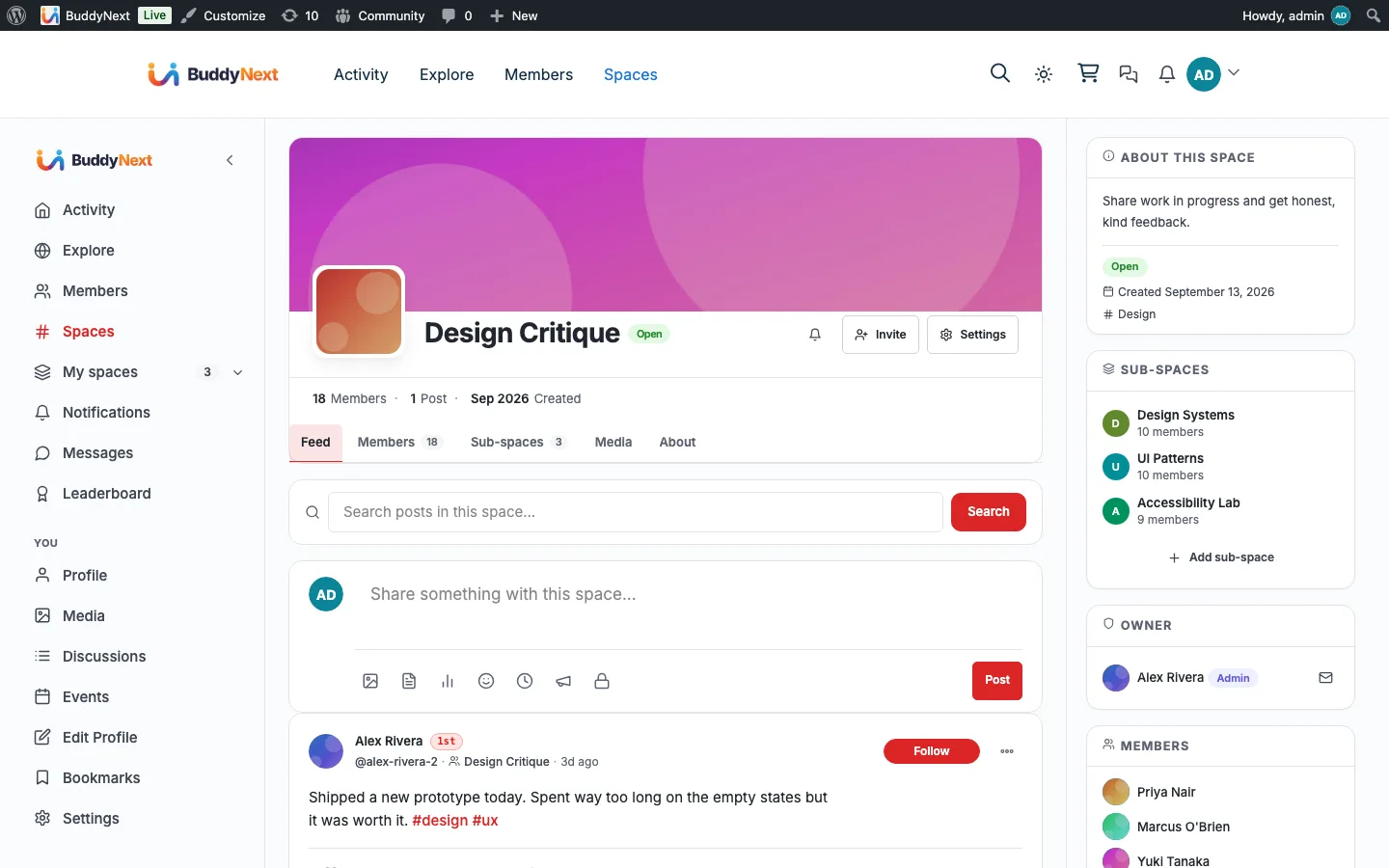
What happens when someone uses it
One action, everywhere it lands
A member starts a discussion
- Activity feed A discussion card, linked to the thread
- Community search Indexed, so the answer is findable later
- Notification bell Replies, mentions, accepted answers, votes
- Member profile A Discussions tab with what they have started
The bridge self-guards on Jetonomy and quietly does nothing when it is not installed, so none of this appears until you turn it on.
What it changes
Your community with Jetonomy in it
Each of these is something a member can do the day you turn it on, and what it changes for whoever runs the place.
-
Ask a question inside a space and get an answer that stays put, instead of watching it scroll away in the feed.
What changes
The same question stops arriving every month, because the answer is indexed in community search and findable by the next person.
-
See a Discussions tab on any member profile, with a count of what that person has started.
What changes
The members carrying your community become visible, so you can recognise them on evidence rather than on a hunch.
-
Get replies, mentions, accepted answers and votes in the same notification bell as everything else.
What changes
Nobody has to remember to check a second place, which is usually why forum threads go unanswered and die.
-
Open a space and find its own forum already there, created the first time someone visits.
What changes
Discussion starts where the members already are, so you are not asking anyone to go somewhere else and come back.
How it works
The flow, step by step
- 1 A member starts a discussion in Jetonomy.
- 2 The bridge indexes it for community search and, for public spaces, drops a discussion card into the feed that links to the thread.
- 3 Mentions fire BuddyNext mention notifications, and every Jetonomy notification mirrors into the BuddyNext bell (Jetonomy still owns its own email).
- 4 Messaging stays owned by BuddyNext, so members keep one inbox across the whole community.
For developers
The bridge self-guards on the partner plugin and no-ops when it is absent. Key hooks: jetonomy_after_create_post, jetonomy_notification_created.
If Jetonomy is not installed
Everything here checks for Jetonomy first, so without it there is no Discussions tab, no forum provisioning and no discussion cards. Discussions already indexed stay in community search until they are deleted through Jetonomy, since removal is driven by its events.
What to check once it is on
Start a discussion in a public space and confirm three things: the card in the feed, the entry in community search, and the Discussions tab count going up on your profile. Then comment on the feed card and check the reply appears in the forum thread, and reply in the thread and check it comes back the other way. That two-way sync is the part worth testing, because it is the one that would loop if it went wrong.
Jetonomy questions
- Do private space discussions leak into the feed?
- No. A discussion card is only published for a public space with a public topic, and only once the discussion is actually published. Everything else is indexed for the people who can see it, or not at all.
- Does commenting on the feed card reach the forum?
- Yes, in both directions. A comment on the card becomes a reply on the thread and a reply on the thread becomes a comment on the card, with edits and deletions carried across too. A guard stops the two sides triggering each other in a loop.
- What happens to Jetonomy's own private messaging?
- It is suppressed on the front end so members have one inbox rather than two, since BuddyNext provides messaging itself. The setting is untouched in wp-admin, so nothing is permanently changed and deactivating the bridge restores it.
- Do I have to create a forum for each space?
- No. A space gets its forum the first time someone visits its discussions tab, so spaces that never hold a discussion never get an empty forum.
- Are @mentions in discussions handled?
- Yes. A mention inside a discussion raises the same notification as a mention anywhere else in BuddyNext, so members do not have to watch the forum separately.
Turn it on
Setup
Default on. One-click install Jetonomy from BuddyNext, Integration Settings, toggle "Push discussions to the feed" on the same tab, and link a forum per space in the space Integrations panel.