
G Series G · 22 videos
How to Build a Social Network Website on WordPress (Setup Guide)
Every admin screen for site owners - wizard, branding, features, members, moderation.
In this series
-
 01 Brand Your Community - Logo, Color, and Theme
 -
 02 Tools - Keep Your Community Healthy
 -
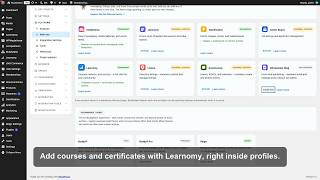 03 Add-ons - Connect the Wbcom Family in One Click
 -
 04 General Settings - Name and Shape Your Community
 -
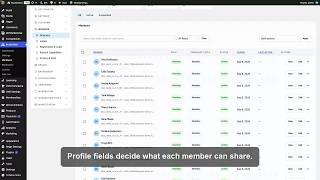 05 Members Directory - Manage Every Member
 -
 06 Spaces Directory - Manage Every Space
 -
 07 The Admin, Mapped
 -
 08 Moderation Controls - Set the Policy Once
 -
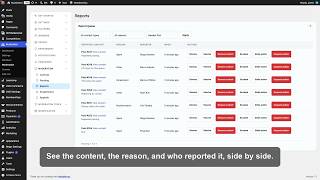 09 Moderation Queues - Work Through the Day's Reports
 -
 10 Navigation Menus - Arrange How Members Move Around
 -
 11 Notifications - Keep Everyone in the Loop
 -
 12 Email - Own Every Message You Send
 -
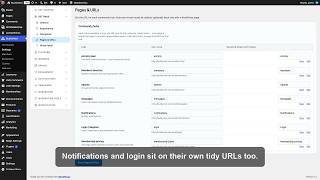 13 Pages and URLs - Own Every Community Address
 -
 14 Privacy and Data - Set the Boundaries
 -
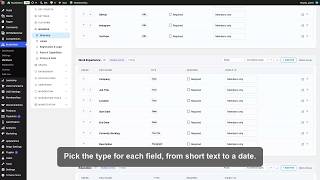 15 Profile Fields - Turn a Username into a Person
 -
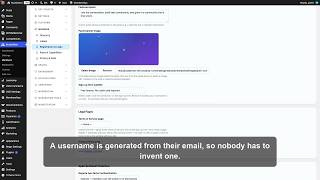 16 Registration and Login - Open the Doors, Safely
 -
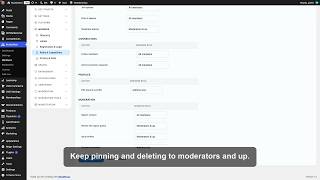 17 Roles and Capabilities - Decide Who Can Do What
 -
 18 Set Up Your WordPress Community with the Setup Wizard
 -
 19 Spaces Settings - Set the Rules for Every Space
 -
 20 Social - Tune How Your Community Feels
 -
 21 Features - Turn the Community On, One Switch at a Time
 -
 22 Webhooks - Push Community Events Anywhere