
F Series F · 21 videos
How to Use an Online Community Platform (Member Guide)
The member experience, step by step - sign up, profile, feed, spaces, messaging, search.
In this series
-
 01 The Activity Feed: Posts, Reactions, Conversations
 -
 02 Manage Your Account Settings on WordPress
 -
 03 Announcements and Pinned Posts
 -
 04 Block, Mute and Online Presence on WordPress
 -
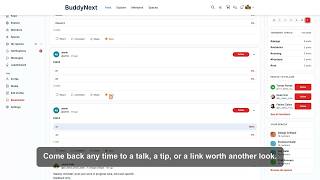 05 Save Posts with Bookmarks on WordPress
 -
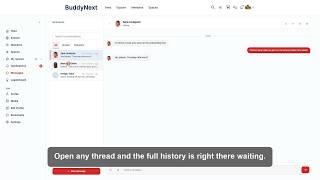 06 Private Direct Messages on WordPress
 -
 07 Find and Discover Members on WordPress
 -
 08 Group Messages on WordPress
 -
 09 Discover Topics with Hashtags on WordPress
 -
 10 Inside a Space on WordPress
 -
 11 Install Your WordPress Community as an App
 -
 12 The Welcome Onboarding Flow
 -
 13 Share Photos and Polls on WordPress
 -
 14 Search Your Community on WordPress
 -
 15 Sign Up and Log In to Your WordPress Community
 -
 16 Space Members and Sub-Spaces on WordPress
 -
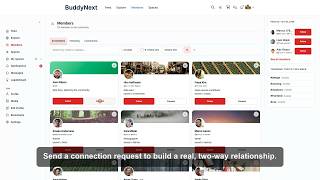 17 Follow and Connect with Members on WordPress
 -
 18 Notifications: Never Miss What Matters on WordPress
 -
 19 Build Your Member Profile
 -
 20 Reactions, Comments and Shares on WordPress
 -
 21 Community Groups and Sub-Communities for WordPress