
 BuddyNext Pro
 Learnomy
BuddyNext + Learnomy
Course completions and certificates that post to the feed, with course alerts in the bell.
What happens when someone uses it
One action, everywhere it lands
A member finishes a course or earns a certificate
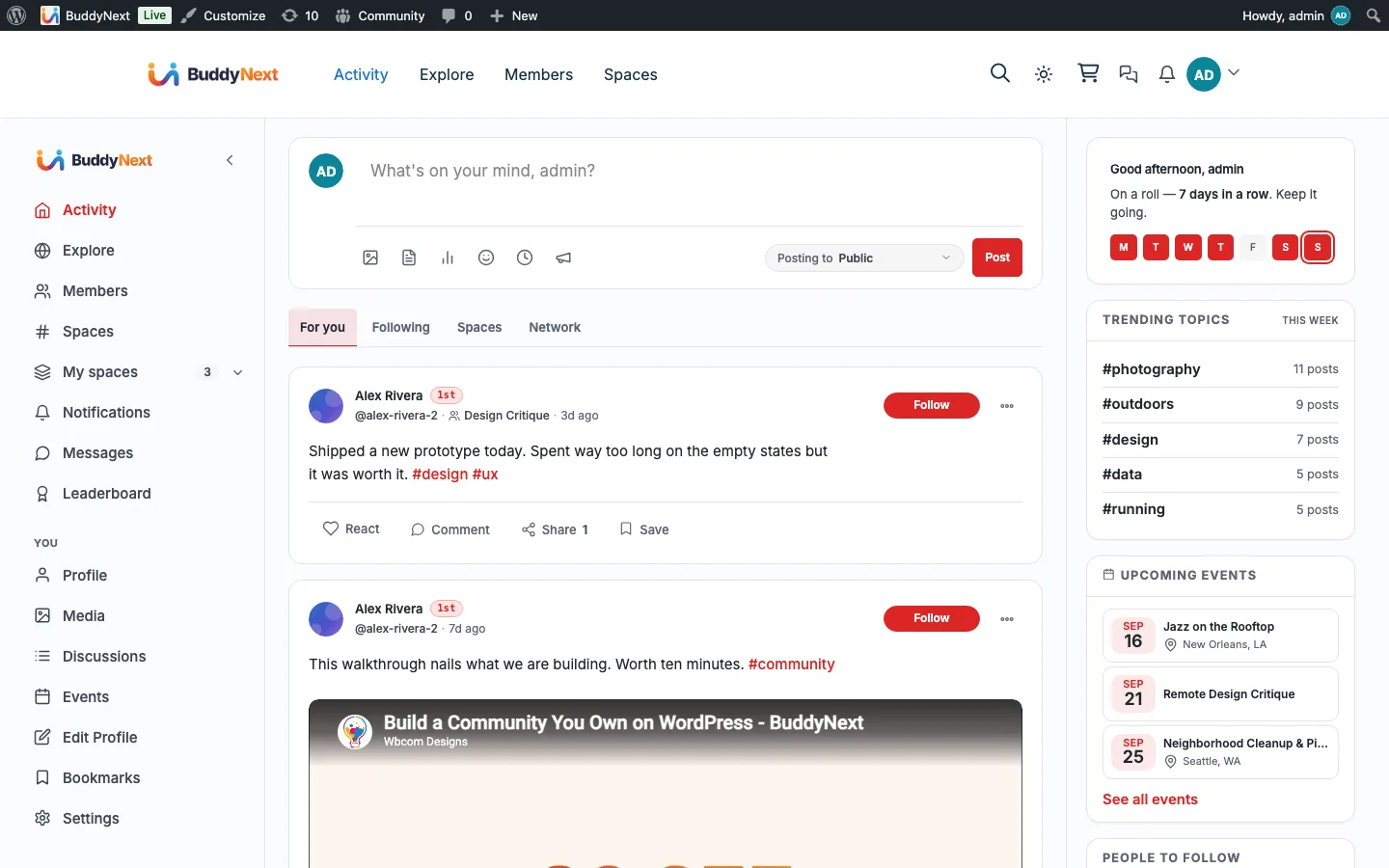
- Activity feed Completions and certificates, never enrollment noise
- Certificate page A public verification URL anyone can check
- Notification bell Gathered under a Courses source
The bridge self-guards on Learnomy and quietly does nothing when it is not installed, so none of this appears until you turn it on.
What it changes
Your community with Learnomy in it
Each of these is something a member can do the day you turn it on, and what it changes for whoever runs the place.
-
Finish a course and have it post to the feed, linking back to the course itself.
What changes
Other members see people actually completing things, which sells the course far better than the course page does.
-
Earn a certificate that posts a card to a public verification page anyone can check.
What changes
The credential is worth something outside the community, so members have a reason to show it rather than file it away.
-
Never see enrollment noise, because only credentials and milestones post.
What changes
The feed stays a record of what people finished instead of a log of who clicked enroll.
-
Pick up course alerts in the BuddyNext bell under a Courses source.
What changes
Learners keep one place to check, so a nudge about an unfinished course is as visible as a reply from a friend.
How it works
The flow, step by step
- 1 On course completion the bridge reads the course and publishes a feed card to the course page.
- 2 On certificate issue it publishes a card to the public certificate-verify URL.
- 3 Learnomy notifications already carry their own message and link, so they route straight into the BuddyNext notification center.
For developers
The bridge self-guards on the partner plugin and no-ops when it is absent. Key hooks: learnomy_course_completed, learnomy_certificate_issued, learnomy_send_notification.
If Learnomy is not installed
Without Learnomy the bridge does nothing and no course cards or certificate cards are produced. Cards already in the feed remain, since they are only withdrawn in response to Learnomy events.
What to check once it is on
Complete a course as a test member and confirm the card reaches the feed. Then issue a certificate and check the card links to the public verification page rather than to the course, because that link is what makes a certificate worth sharing. Revoking the certificate should remove only the certificate card and leave the completion card alone.
Learnomy questions
- Is course content searchable in the community?
- No. This bridge adds no search indexing, so courses and certificates are found through the feed and through Learnomy itself rather than through community search.
- What does a certificate card link to?
- The public verification page for that certificate, so anyone following it can confirm it is genuine. If no verification record is available the card falls back to the course.
- What happens when a certificate is revoked?
- The certificate card is removed and the completion card stays. Those are separate facts: revoking the credential does not mean the course was not completed. An expired certificate only hides its card.
- If I delete a course, do its cards disappear?
- Yes. Deleting a course removes every completion and certificate card that carries its course id. Unpublishing a course only hides those cards, and publishing it again brings the same cards back.
Turn it on
Setup
Requires BuddyNext Pro and Learnomy. Default on once both are active.