Each of these is something a member can do the day you turn it on, and what
it changes for whoever runs the place.
RSVP from the feed, without opening the event page.
What changes
The drop-off between seeing an event and committing to it disappears, because there is no page load in between.
See how many people are already going before deciding.
What changes
Events fill the way they do on the platforms members already use, where the headcount is the thing that convinces them.
Find every event they organise or attend on their own profile.
What changes
Nobody has to keep a separate calendar to remember what they signed up for, which is where attendance usually leaks.
Get told when an event is moved, cancelled or they come off the waitlist.
What changes
The reminders arrive in the same bell as everything else, so a rescheduled event does not depend on somebody reading an email.
How it works
The flow, step by step
1Someone publishes an event in Eventonomy. The bridge posts a typed event card stamped with the space it belongs to and adds it to community search.
2A member hits Going on the card. The RSVP posts to BuddyNext, the headcount refreshes for everyone, and an attending card goes to the feed.
3The organiser gets a notification naming who is going. Repeat RSVPs merge into that one row instead of arriving separately.
4Editing the event refreshes the card in place rather than leaving a stale one. Cancelling it withdraws the organiser card and every attendee card with it.
For developers
The bridge self-guards on the partner plugin and no-ops when it is absent. Key hooks: evnm_after_create_event, evnm_after_create_rsvp, evnm_notification_dispatch.
If Eventonomy is not installed
Nothing renders and nothing breaks. The bridge checks for Eventonomy before it registers anything, so on a site without it the Events tabs, the rail link and the sidebar widget simply do not exist. The inline RSVP buttons have a second check of their own: if the RSVP service is not reachable the card shows a "View event" link instead, rather than buttons that fail when pressed.
What to check once it is on
Publish a test event in a public space and confirm the card reaches the feed with its cover image and date. RSVP as a second member and watch the headcount change without reloading, then check the organiser received one notification naming that member. Finally cancel the event and confirm both the organiser card and the attendee cards disappear, since that is the path most likely to leave debris.
Eventonomy questions
Do members have to leave the feed to RSVP?
No, and that is the main reason this bridge exists. A signed-in member sees Going and Maybe on the card itself for any future event, and the headcount updates for everyone without a page load. Guests and past events get a link to the event page instead.
Does every RSVP post to the feed?
Only "going". Maybe and Interested do not post a card, and changing your answer away from going retracts the card you already posted. Interested stays private to the member on their own profile.
Will members get told twice about the same event?
No. Five notification types are mirrored into BuddyNext: reminders, reschedules, updates, cancellations and waitlist promotions. The RSVP confirmation is deliberately left with Eventonomy, because it already sends that one.
What happens to feed cards when an event is cancelled?
They are hidden, including every attendee card, not just the organiser one. That matters because attendee cards are posted per member, so a cancellation that only touched the original would leave the feed full of people attending an event that is not happening. Reinstating the event brings back the same cards with their reactions and comments; only deleting the event removes them for good.
Is the events tab on every space?
It appears on a space only when that space has at least one upcoming event, so a space that does not run events is not given an empty tab.
Does this work in the mobile app?
Yes. The same event buckets are exposed over REST, so the app renders the member Events view from the same data as the website.
Turn it on
Setup
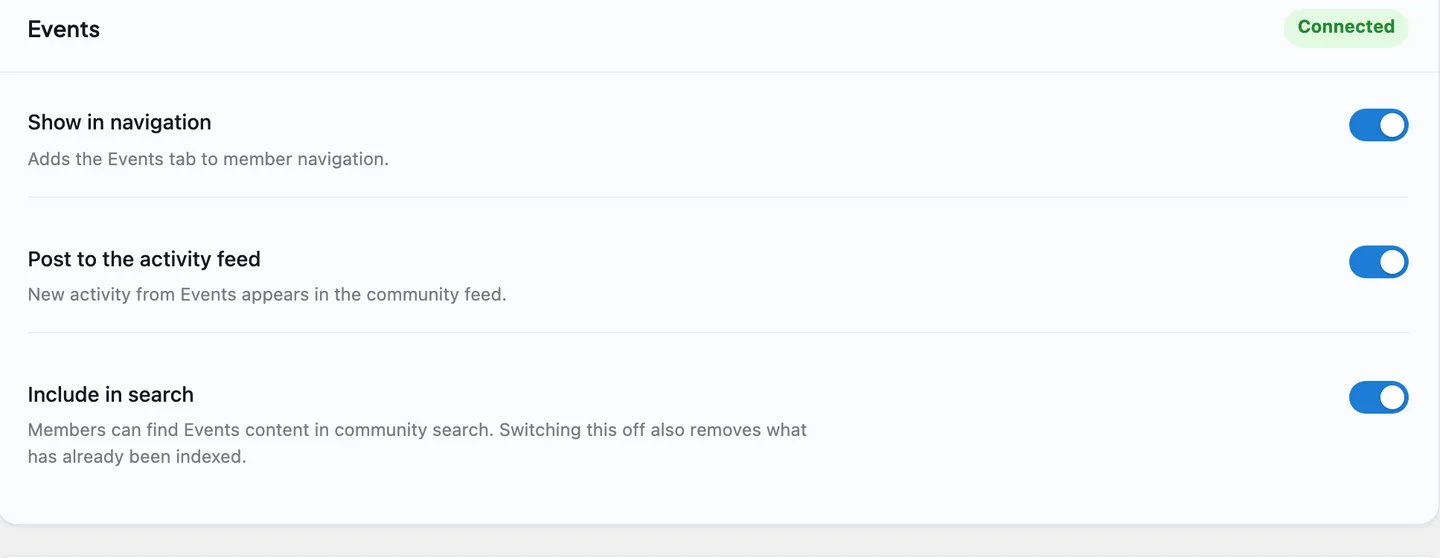
Default on. Install Eventonomy and the bridge wires itself up; no BuddyNext setting to switch. Event, RSVP and calendar behaviour stays in Eventonomy.
WBCOM Designs has constantly updated and supported their plugins and themes. Recently the new BuddyNext project is Amazing! - and the new line of addons like Mediaverse, Jetonomy, Mediashield, and Listora.. are likewise Amazing! - and very well built. Today their online Chat solved a download…
Edward S. · US ·
WBComDesigns is amazing!
WBComDesigns is amazing. The WP plugins and themes are of top notch quality with lots of features and updated very frequently. Supports are very responsive and helpful. I use Reign with TutorLMS, and the experience is surprisingly smooth. The recently launched BuddyNext Pro and MediaShield Pro are…
Hoang Phan · VN ·
Very responsive
Very responsive, helpful, patient, and solve big problems for me. Great customer service!
Kate Zhang · US ·
Great Addon, great Support
Had a minor issue with displaying information in the Resume Manager. Opened a ticket and had the issue fixed the same day. Great job!
Mike & Cris in de Palz · DE ·
Fast and friendly Support
It was really great working with shashank from wbcom designs on my project!
Helen Foster · UA ·
Exceptional WordPress Expertise & Support by Wbcom Designs!
A huge thanks to Wbcom Designs for their unparalleled support and cooperation. Their WordPress expertise truly shines through in their work. Highly appreciated and recommended!
Mustafa Phulpoto · PK ·
I recently purchased the Buddyx Theme…
I recently purchased the Buddyx Theme and the support that I have been receiving from WBCom is nothing short of amazing! They truly stand behind their product in every sense!
Greg Morehead · US ·
Support staff is responsive and…
Support staff is responsive and knowledgable
dp · CA ·
Camilia solved my support request very…
Camilia solved my support request very fast and I am thrilled. So glad I made this purchase.
Cheri LaVelle · US ·
Quick and accurate
Quick and accurate. I just started, so more as time passes. Kenneth Babb