
The Guest Experience
Accounts & Access Free & ProMost people meet your community before they join it. A visitor lands on a shared post, browses what is public, and decides whether this is a place worth signing up for. BuddyNext gives that logged-out visitor a clear, welcoming path in rather than a wall or a series of dead ends.
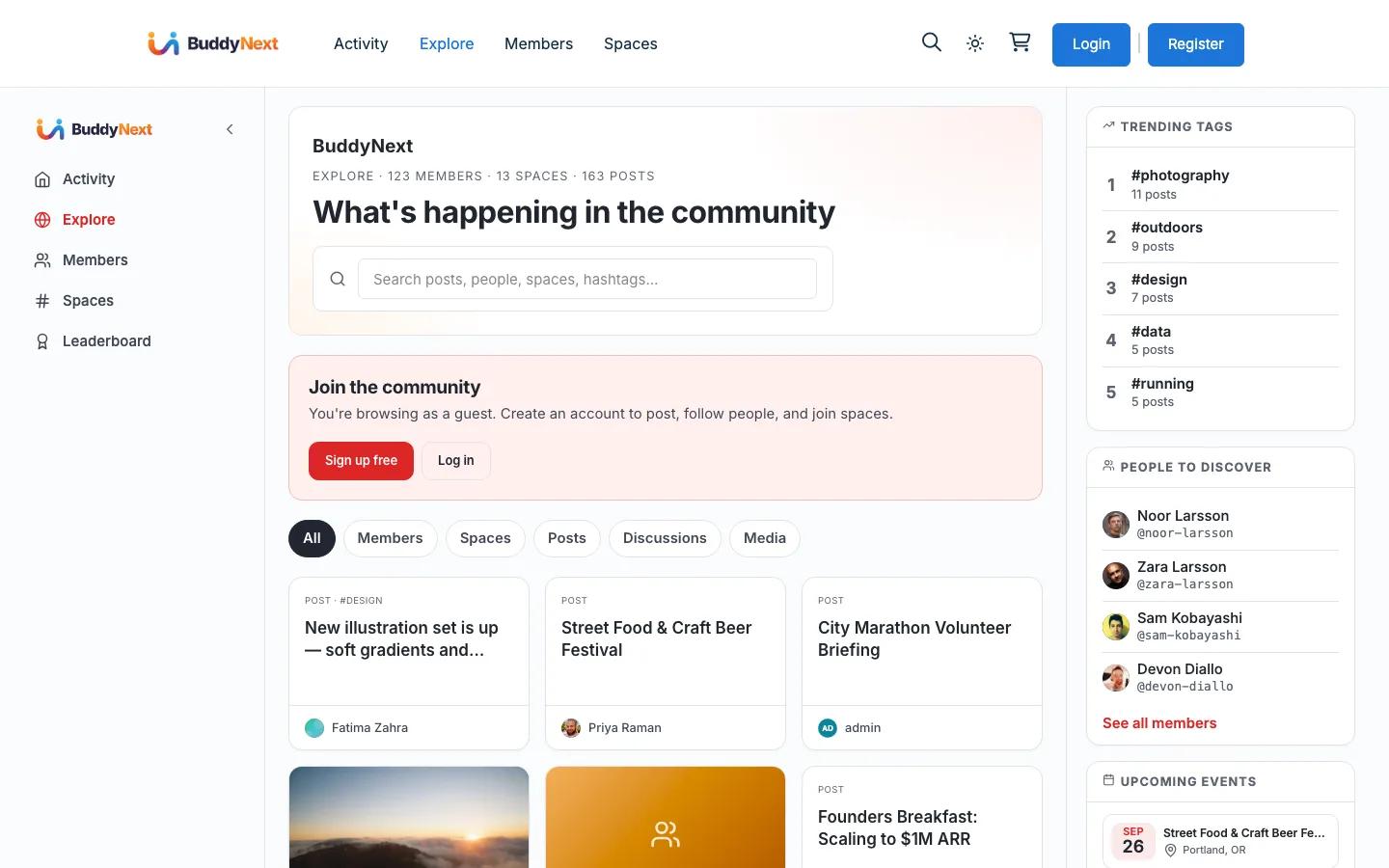
What a visitor sees#
A logged-out visitor can see everything you have made public - public posts, the Explore discovery surface, public spaces and member profiles - and is invited to join at the natural moments:
- Join prompts appear on the landing and discovery pages and on an embedded space feed, so a visitor reading public content always has an obvious way to sign up or sign in.
- View profile links open the profile directly, instead of bouncing the visitor through the login page first and losing where they were headed.
- A members-only post shows a visitor a short teaser and a join prompt rather than the whole post (see Post Privacy and Visibility).
Nothing private is exposed by any of this: a visitor only ever sees content whose audience is Public, and per-post and per-space privacy is enforced when the content is read, not just when it is written.
Turning the join prompt off#
The guest call-to-action is on by default because, for most communities, inviting visitors to join is exactly what you want. If your site introduces the community differently - a custom landing page, a marketing site in front of it - you can turn the guest CTA off so BuddyNext does not add its own prompt.
The switch is a simple on/off; it does not change what a visitor can see, only whether BuddyNext shows its own join card on the public surfaces.
Where this fits#
- New members arriving through the join prompt land in member onboarding.
- What a visitor is allowed to see is governed by post privacy and visibility and by each space's own privacy level.
- To require an account before any of the community is visible at all, use the whole-site privacy option in Privacy and Data.