
Members & Social Graph
Members & Social Graph Free & Pro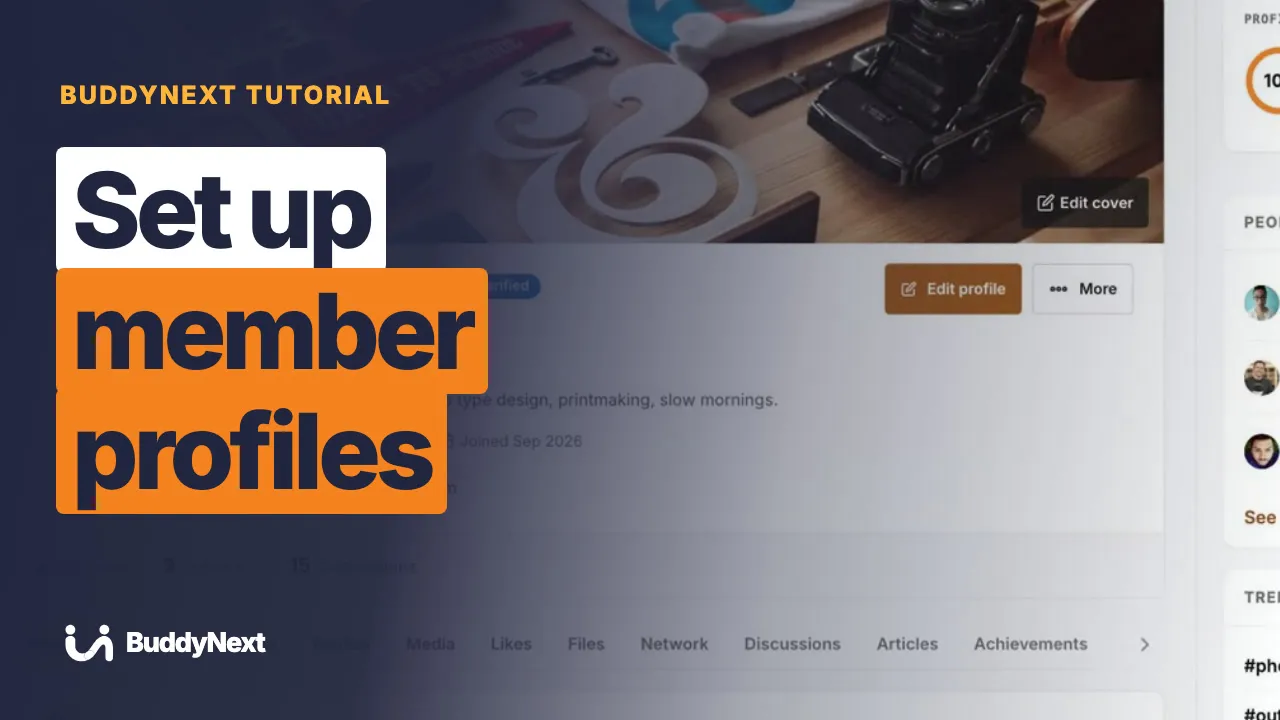 Watch this section Tutorials: Members 24 video tutorials · 73 min
 15 pages in this section.
| Page | What it covers |
|---|---|
| The Member Journey, Screen by Screen | This is the path a brand-new person walks from the moment they land on your community to their first post - every screen, in order, with what they see and do. Use it... |
| Member Profiles | A member profile is the public page that represents a person in your community. It carries their avatar, cover photo, display name, bio, custom field details, and the... |
| Custom Profile Fields | Profile fields let you decide what members can tell each other about themselves. You build the fields (name, bio, role, location, links, and more), and members fill... |
| Profile Completion | The profile completion bar is a block that shows a member how finished their profile is, as a percentage, with prompt cards pointing them at the sections they still... |
| Member Directory | The member directory is the page where everyone in your community can be browsed, searched, and filtered in one place. It is the "find people" surface of your site,... |
| Member Types | Member types are the categories you define for the people in your community - Student, Mentor, Staff, Alumni, and so on. Each type can carry a colored badge, appear... |
| Following Members | Following is a one-directional relationship: you follow a member to see more of their activity, and they do not have to follow you back. It is the lightweight way to... |
| Connecting With Members | A connection is a two-way relationship that both members agree to: one member sends a request, the other accepts it, and from then on they are connected to each... |
| Blocking and Muting | BuddyNext gives every member three self-protection tools for dealing with another person: block, mute, and restrict. Block cuts off interaction and messaging both... |
| Online Presence | BuddyNext shows who is around right now. When a member is active, an online indicator appears next to them across the community - in the member directory, on member... |
| Profile Media and Albums | Every member profile has a Media tab where members upload their own photos and videos, choose who can see each one, and group them into albums. It turns a profile... |
| Member Interests | Interests let each member say what they care about, and BuddyNext uses those picks to personalize what that member sees - the people suggested to them, the spaces... |
| Roles and Permissions | Roles and Permissions is where you decide who is allowed to do what across your whole community. Instead of a fixed set of rules, BuddyNext lets you set the minimum... |
| The Profile About Tab | The About tab is the part of a member's profile that lays out everything they have told the community about themselves. It takes the custom profile fields you set up... |
| Editing a Member from the Admin | Every member's account and profile can be opened and changed directly from the admin - their display name, email, role, profile URL, avatar and cover photo, and every... |