
Profile Completion
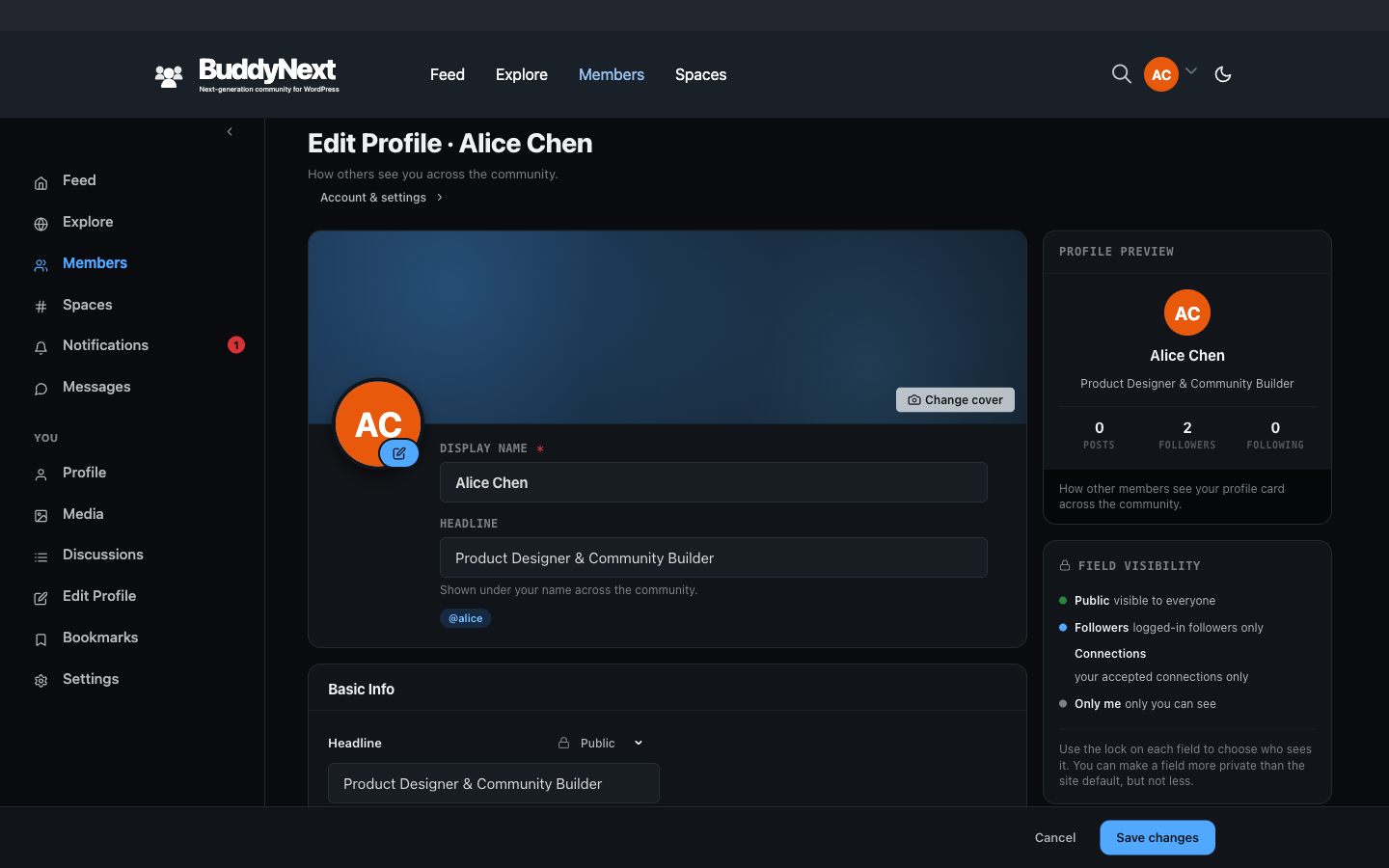
Members & Social Graph Free & ProThe profile completion bar is a block that shows a member how finished their profile is, as a percentage, with prompt cards pointing them at the sections they still need to fill in.
Why use it#
A new member who fills in their profile is far more likely to stay, post, and connect than one who leaves it blank. The hard part is getting them to do it - most people sign up, look around once, and never come back to finish setting up. The completion bar closes that gap. It turns an open-ended chore ("set up your profile") into a clear, finishable goal ("you are 60 percent done - add a bio to reach 80"), which is one of the most reliable ways to lift activation and early retention.
For the site owner, this is the difference between a directory of half-built ghost profiles and a directory of real members. Every profile a member completes makes the community more browsable, more trustworthy, and more sticky. The bar does the nudging for you, on every page you place it, without you having to chase anyone.
For the member, it is a quiet reminder of what is left and why it is worth doing - and a sense of progress as the number climbs toward 100 percent.
How it works (for members)#
Place the bar somewhere a member sees often - their own profile, a dashboard, or the home feed sidebar - and it shows that member their current completion percentage. Alongside the bar, prompt cards highlight the specific sections that are still empty, so the next step is always obvious. As the member fills in fields and saves, the percentage rises.
The bar reflects only the member's own progress. It is a private nudge, not something other members see on each other's profiles.
Setting it up (for owners)#
The completion UI appears on the member's own profile and edit screens automatically, so members are nudged to finish without any setup. The Profile Completion Bar block is no longer offered in the block inserter; it renders where a theme or pattern places it, and still accepts the setting below when used that way.
| Setting | What it does | Default |
|---|---|---|
| User ID | Which member's completion to show. Leave at the default to show the current logged-in member's own progress - the usual choice for a profile or dashboard. Set a specific ID only for fixed, single-member layouts. | 0 (current member) |
The block also exposes the standard color, typography, and spacing controls so you can match it to your theme.
There is nothing else to configure. Completion is calculated from your community's profile fields automatically, so the more profile fields you define, the more the bar has to measure against.
Good to know#
How completion is calculated (at a high level)#
Completion is the share of a member's standard profile fields that have a value. BuddyNext counts the member's single-value profile fields, checks how many of them the member has actually filled in, and turns that into a percentage. Required fields and recommended (optional) fields are both counted toward the total, and the result is reported as one overall percentage along with how many required and recommended fields are still outstanding.
A few details worth knowing:
- Repeating, list-style fields are deliberately left out of the score. Their count has no natural ceiling, so including them would make "100 percent" impossible to reach. The bar measures the fields that have a clear done state.
- Empty does not count as filled. A field counts toward completion only when it holds a real value, not a blank.
- The score updates as the member saves. Each profile save recalculates the member's percentage, so the bar reflects their latest progress.
- The score is cached briefly for performance. On a large community the percentage is held for a few minutes after it is calculated, so the bar may take a moment to reflect a just-saved change.
- No fields defined means nothing to complete. If your community has not defined any standard profile fields yet, completion reads as 0 percent because there is nothing to measure. Define the fields you want members to fill in, and the bar starts measuring against them.
Completion percentage vs Profile Strength#
These are two separate things, and it helps to keep them apart:
- Profile completion (this page) is the mechanical share of a member's standard fields that hold a value, shown as a percentage bar with prompt cards. It measures fields.
- Profile Strength is a curated checklist shown only on a member's own profile sidebar (the Profile Strength ring). It highlights a short list of high-value steps to a credible profile - add a photo, write a bio, make a first connection - rather than counting every field, and site owners can tailor its steps with the
buddynext_profile_strength_tasksfilter. Completing the checklist is what a member's Achievements can reward.
Use the completion bar to nudge members to fill their fields, and the Profile Strength ring to point them at the few steps that matter most.
Free vs Pro#
The profile completion bar is part of BuddyNext free.
Related#
- Custom Profile Fields - the fields the completion score is calculated from
- Member Profiles - the profile the completion bar sits on
- New-Member Onboarding Wizard - the first push toward a complete profile